

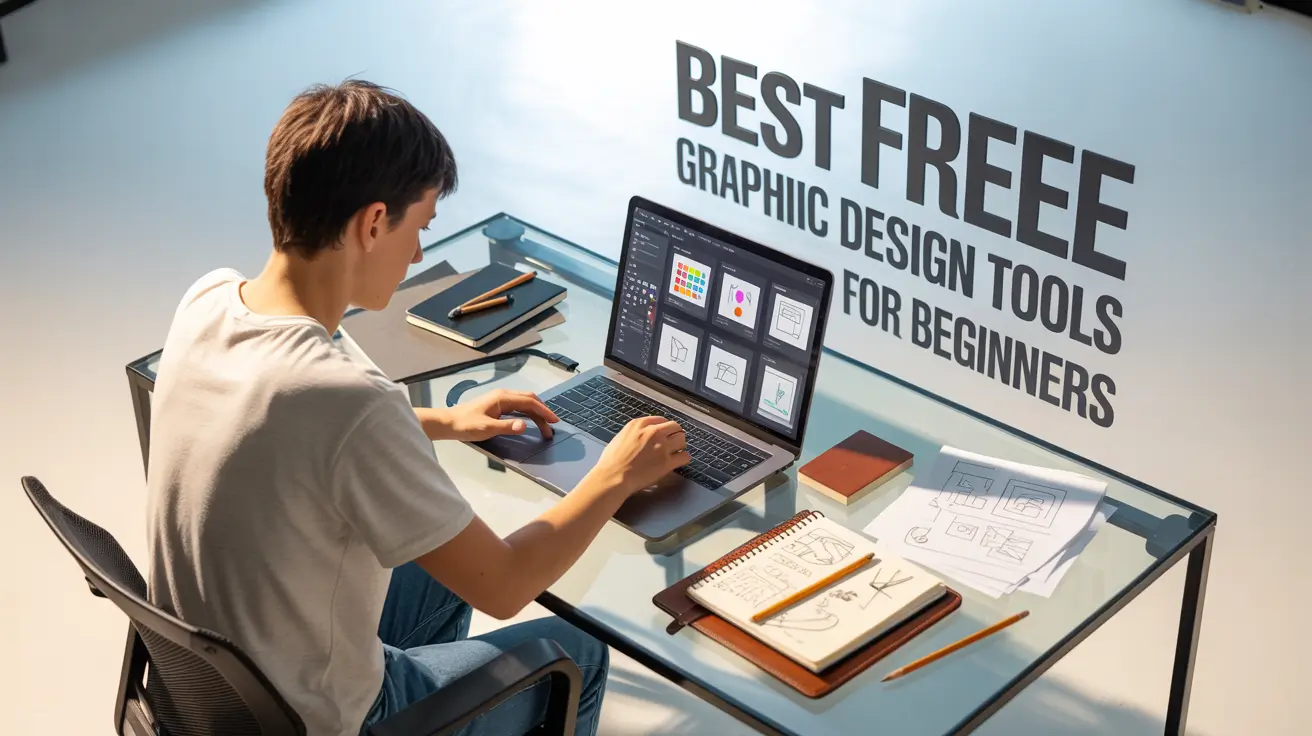
Getting into graphic design no longer requires expensive software licenses or high-end machines. In 2025, the creative landscape is more accessible than ever, thanks to a wide range of free graphic design tools that are powerful, intuitive, and packed with features.
Whether you’re just starting out or building your first portfolio, these free design tools for beginners offer everything from professional templates to AI-enhanced design assistants. Perfect for students, freelancers, small business owners, and content creators these are the best free tools for designers looking to create impressive visuals without spending a rupee.
From branding and social media graphics to UI/UX and print design, here’s your go-to list of tools that make professional-level design free and fun in 2025.
1. Canva (Free Version)
Best for :
Social media posts, flyers, presentations, resumes
Key Features :
- Drag-and-drop editor
- Pre-designed templates (Instagram, YouTube, resumes, posters)
- Free access to icons, images, and fonts
- Shared folders and collaboration tools
- Available on web and mobile
💡 Pro Tip :
Use the template library as a starting point and customize layouts to fit your personal or brand style.
“Canva takes the intimidation out of design. With its massive free template base, even complete beginners can create professional-looking designs in minutes. It’s like PowerPoint—but prettier and smarter.”
– Priya Ghosh, Digital Content Strategist
2. Adobe Express (Free Tier)
Best for :
Quick graphics, short videos, reels, and resizing
Key Features :
Simplified Adobe-level tools
One-click background remover and animation
Reels, stories, and banner templates
Access to Adobe fonts and basic stock assets
💡 Pro Tip :
Use Adobe Express for resizing content across formats (e.g., turning an Instagram post into a LinkedIn banner in one click).
“Adobe Express is like Photoshop Lite, reimagined for today’s fast-moving content creators. Perfect for quick edits and social visuals without the full Adobe learning curve.”
– Amit Raj, Creative Director
3. Gravit Designer (Free Version)
Best for :
Vector illustration, logo creation, wireframes
Key Features :
- Works in-browser and as a downloadable app
- Pen tool, shape tools, path editing
- Supports SVG, PDF, PNG exports
- Clean UI for vector beginners
💡 Pro Tip :
Use Gravit to get hands-on with logo design, icon creation, and scalable graphics without needing Illustrator.
“Gravit is the gateway drug to vector design. If you’re intimidated by Illustrator, Gravit feels simpler—but still powerful. A great playground for brand designers and illustrators.”
– Sasha Kulkarni, Freelance Logo Designer
4. Figma (Free Plan)
Best for :
UI/UX design, mobile/web wireframing, prototyping
Key Features :
Web-based with real-time collaboration
Component and design system support
Code-ready export options
Plugins for icons, mockups, and AI
💡 Pro Tip :
Use Figma’s community templates to learn layout structure and try mobile/web design even if you’re from a graphic design background.
“Even if you’re not a UI designer, Figma teaches you structure, spacing, and consistency—skills that translate to all forms of design.”
– Neha Singh, Product Designer
5. Photopea
Best for :
Advanced photo editing and PSD editing without Photoshop
Key Features :
- Photoshop-style interface
- Supports PSD, AI, XD, SVG formats
- Full layer control, smart objects, filters
- 100% browser-based
💡 Pro Tip :
Open PSD mockups or client-sent templates directly in Photopea to edit professionally without needing Adobe.
“Photopea is a hidden gem. It feels like you’re using Photoshop for free, in your browser. Great for students and freelancers on a budget.”
– Karan Shah, Visual Arts Educator
6. Desygner
Best for :
Small business branding, ad graphics, quick printables
Key Features :
Easy-to-edit templates for business cards, flyers, brochures
Includes stock photos and logo tools
App version for mobile editing
Branding kits to organize fonts/colors
💡 Pro Tip :
Use Desygner to create quick brand kits for clients or your personal identity, especially if you’re new to branding design.
“If Canva is the king of content design, Desygner is the smart assistant for micro-brands and marketers who want plug-and-play results.”
– Aditi Rao, Marketing Consultant
7. Microsoft Designer (AI-Powered)
Best for :
Fast visual content with smart AI layout suggestions
Key Features :
- AI-generated templates and layout tweaks
- Auto-branding suggestions
- Text-to-image features
- Integrated with Microsoft 365
💡 Pro Tip :
Let Microsoft Designer auto-generate a layout based on your content description—then customize with brand assets.
“Microsoft Designer’s AI feels like a junior designer on your team. It’s not perfect, but it’s incredibly helpful for idea generation and visual consistency.”
– Riya Malhotra, Creative Lead
8. Vectr
Best for :
Learning basic vector graphics and icon design
Key Features :
Real-time collaboration
Minimalist interface for beginners
Works online and offline
Suitable for logos, wireframes, and web assets
💡 Pro Tip :
Use Vectr to learn the logic of paths, nodes, and shapes before you graduate to tools like Illustrator or Figma.
“Vectr strips vector design down to the basics. It’s not flashy, but it helps you grasp essential concepts before diving deeper into professional tools.”
– David Fernandes, UI/UX Mentor
🎯 How to Choose the Right Tool
| Design Goal | Recommended Tool(s) |
|---|---|
| Social media posts & reels | Canva, Adobe Express, Microsoft Designer |
| Logo & branding design | Gravit, Vectr, Desygner |
| Photo editing | Photopea, Adobe Express |
| UI/UX and wireframing | Figma |
| AI-generated content | Microsoft Designer, Canva AI |
💡 Experts Tip :
Choose based on your goals, learning curve, and device capability. Platforms like Canva and Figma are among the best free graphic design tools available they work seamlessly across devices and are ideal free design tools for beginners. If you’re looking for Photoshop-style features without the cost, Photopea stands out as one of the best free tools for designers in 2025.
Final Thoughts:
The best way to level up your graphic design journey is by taking action—and that starts with hands-on practice.
These beginner-friendly graphic design projects not only strengthen your creativity and design fundamentals but also help you build a standout portfolio.The best part? You don’t need expensive software to begin.
Today, there are countless free graphic design tools available like Figma, Canva, and Adobe Firefly that empower you to create professional-quality work from day one.
These free design tools for beginners are intuitive, powerful, and widely used across the creative industry.
If you’re just getting started, focus on exploring the best free tools for designers, pick a few exciting project ideas, and challenge yourself to finish them.
Each completed project is a step closer to real-world opportunities, freelance gigs, and career growth.
🎓 Want to Go Pro?
These tools are great for learning—but once you’re confident, consider upgrading to pro tools for deeper control, creative freedom, and industry-standard work.
Recommended Pro Tools to Learn:
Adobe Photoshop & Illustrator (for image and vector mastery)
Figma Pro (for design systems and developer handoff)
Canva Pro (for teams, AI features, and brand kits)
AI Tools like Adobe Firefly, Midjourney, and RunwayML
👉 Our Online Graphic Design Course teaches both free and pro tools, including:
Portfolio building
Branding and logo systems
Social media design
AI-powered workflows
Real-world design projects
Join our

or
build more than just skills—you’ll build confidence and a real portfolio that gets noticed.
Turn your creativity into a career that’s future-proof.
FAQ
Top beginner-friendly tools include Canva, Adobe Express, Figma, Photopea, Vectr, and Krita. These platforms are ideal for quick projects, social media design, and learning the basics.
Canva remains the best free design app for beginners creating social media graphics, stories, reels, and posters, thanks to its templates and drag-and-drop features.
Yes, Figma offers a free plan perfect for beginners learning UI/UX and layout design. It’s cloud-based and great for real-time collaboration.
Absolutely! Many freelancers and startups use tools like Photopea, Figma, and Krita for client projects, mockups, and branding without spending on expensive software.
Photopea is widely considered the top free alternative to Photoshop. It works online and supports PSD, XCF, and Sketch formats.
Yes. Looka, Canva Logo Maker, Hatchful by Shopify, and Ucraft are free and beginner-friendly tools that help create logos without needing advanced design skills.
Yes. Blender is a powerful free tool for 3D animation and motion design. For 2D animation, tools like OpenToonz and Krita’s animation timeline are great options.
Krita and Gravit Designer (desktop version) are excellent offline tools for digital illustration and vector design, ideal for low-internet environments.
Most free tools like Canva or Adobe Express may apply watermarks to premium features, but many templates and assets are still watermark-free for basic use.
Yes. Tools like Canva, Adobe Express, and Figma offer full-featured mobile apps, making it easy to design on-the-go.
Vectr and Gravit Designer are top free tools for creating vector illustrations, logos, and infographics with scalable quality.
Look for tools that offer:
A user-friendly interface
Pre-made templates
Learning resources
Export options without quality loss
Yes, tools like Photopea, Canva, and GIMP support high-resolution exports in CMYK/RGB for professional printing purposes.
Both are beginner-friendly. Canva is better for template-heavy workflows, while Adobe Express offers smoother integration with other Adobe tools and more brand-focused templates.
Most tools like Canva, Figma, and Adobe Express require a free account to save work and access cloud features. However, tools like Photopea let you start designing instantly without signing in.

Master VFX, Design & AI in Chennai
Industry-standard training with 100% job placement. Start your creative career today!
🚀 Enroll Now💬 WhatsApp Us📂 Categories
Graphic Design (49)VFX (21)Action CGI (11)Visual Effects (10)Live Action (9)Typography (9)chroma key (6)Green Screen Keying (6)Stereoscopic 3D (5)Digital Marketing (5)Visual Effects (5)SEO (5)Camera Tracking (4)3D Movie (3)AI Graphic Design (2)app Development (2)UI UX (2)Match moving (1)Web Development (1)Film Editing (1)🎯 Related Courses
📚Graphic Design Course in Chennai📰 Recent Posts