







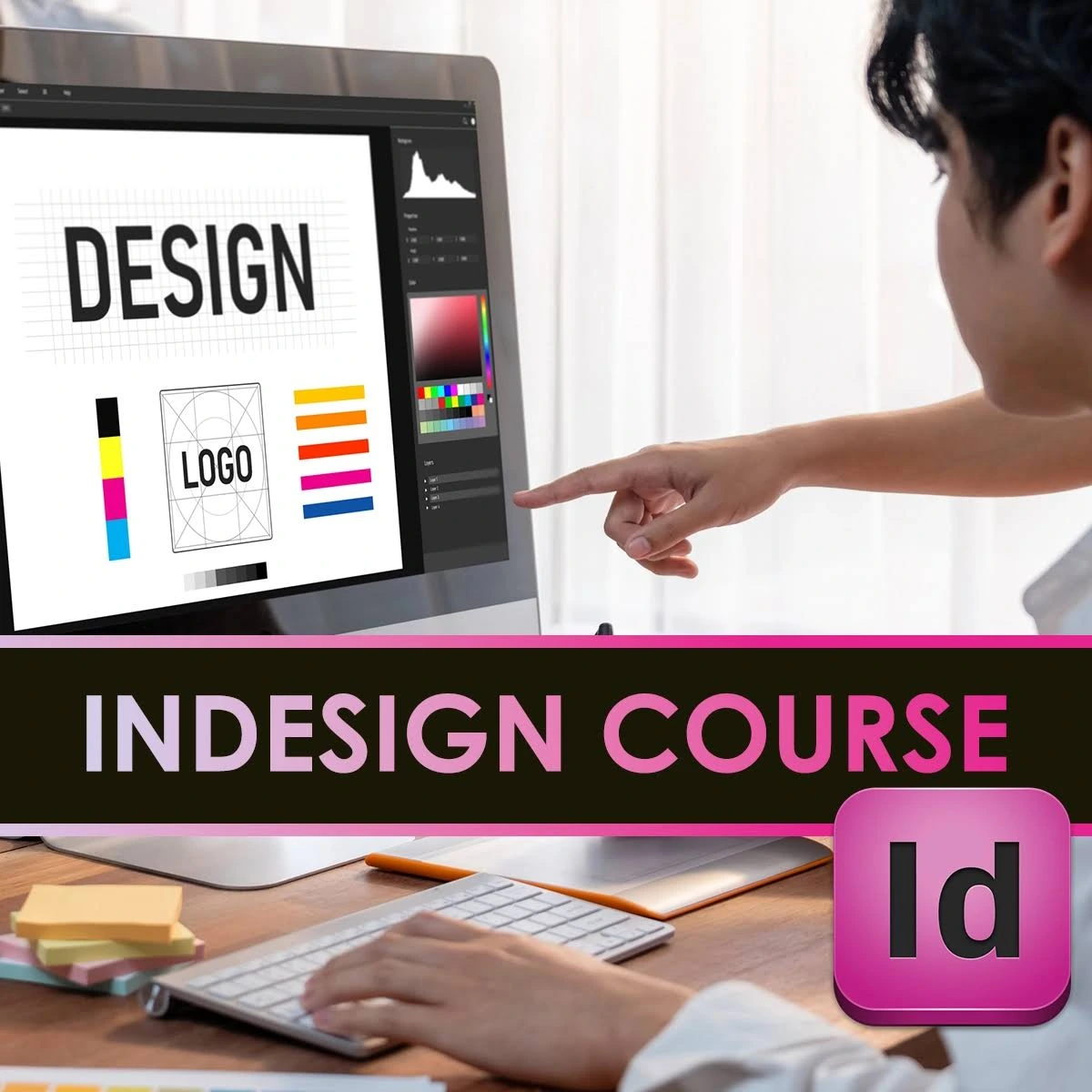
Adobe InDesign Course: Master layout design, print media & publishing | 100% Job Placement
Adobe InDesign Course β India's Most Advanced Training in Professional Layout Design, Digital Publishing, and Print Media for Books, Magazines & Corporate Branding.

Global Recognition
CBEC Canada Certified
The Art of Professional Layout & Publishing
Adobe InDesign is the industry-standard software for layout and page design for print and digital media. It is used to create flyers, brochures, magazines, newspapers, posters, business cards, postcards, stickers, comics, and many other types of documents or visual communication.
From high-end print magazines to interactive digital e-books, InDesign offers the precision and control needed to create stunning professional layouts. Our course provides deep-dive training in Master Pages, Typography Control, Styles, and advanced publishing workflows.

Master Spatial Layouts: The Standard for Print & Web
Gain the technical expertise required to handle complex multipage documents. As brands shift towards integrated digital experiences, the demand for professionals who can bridge the gap between print precision and digital interactivity is higher than ever.
Junior Designer vs InDesign Layout Specialist
π° Starting Salary
βΉ3 Lakh - 6 Lakh Basic Print Prepβ³ Technical Depth
Manual Layouts Mainstream Toolsπ οΈ Market Demand
High Competition Basic DTP RolesGREP Automation
Learn to automate repetitive formatting tasks using GREP β a skill that separates masters from beginners.
Global Publishing
InDesign Specialists command premium salaries in international publishing houses and design agencies.
Digital Interactivity
Become an expert in interactive EPUBs and digital magazines β the future of content consumption.
Industry Growth
The digital publishing market is evolving rapidly β master the tools that lead the industry standards.
From Graphic Artist to Layout Design Expert
Master the specialized InDesign publishing pipeline in 4 months. From advanced typography to complex GREP automation, learn industry-standard workflows used in global publishing houses.
Download BrochureMultipage Engineering
Master grids, master pages, and complex margin-column setups
Data Merge & GREP
Advanced automation for large-scale formatting and catalogs
Interactive Portfolios
Build elite digital magazines and interactive EPUB showreels
Ready to Start?
Join the next batch of 10 seats
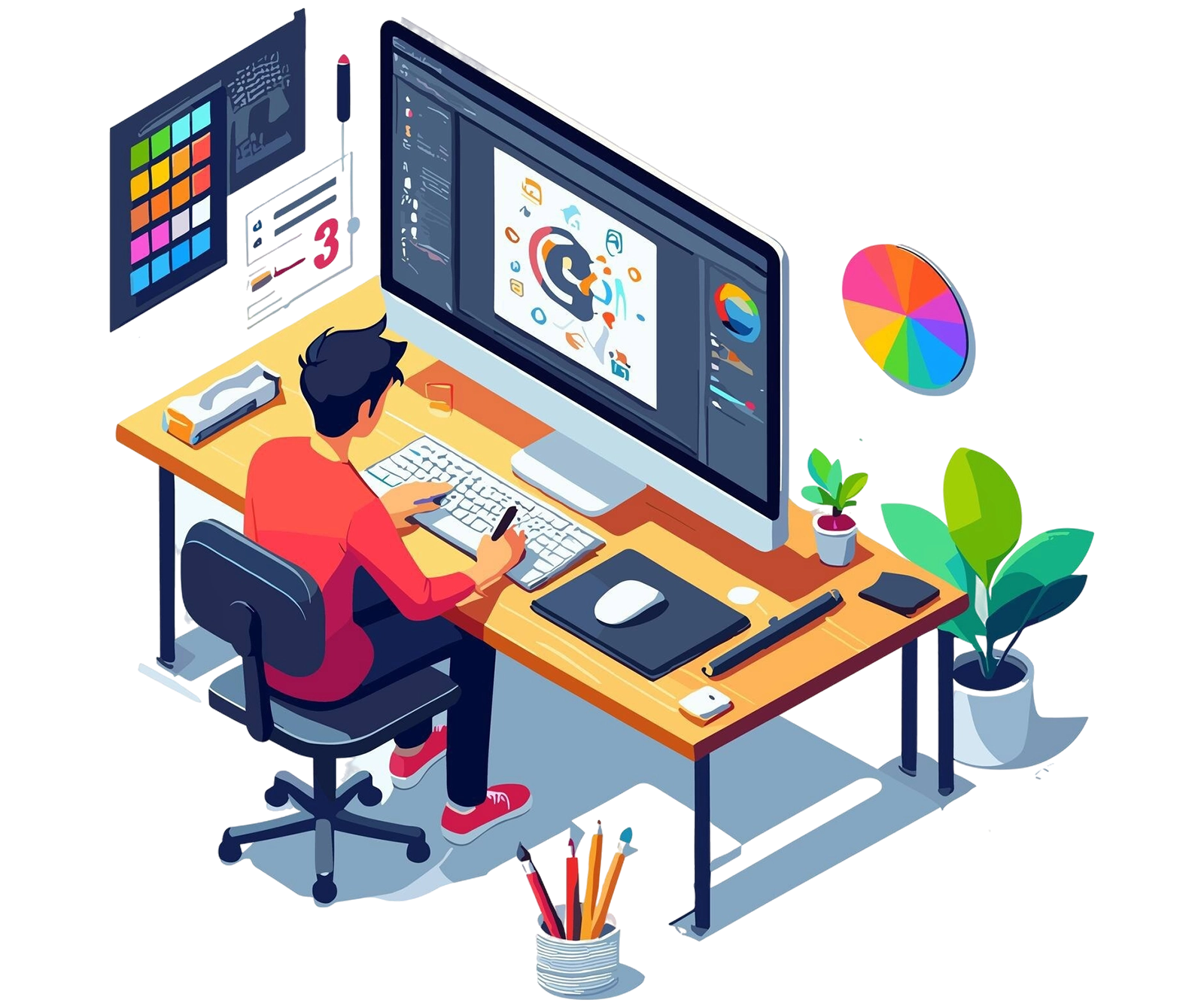
State-of-the-Art Publishing Lab
Train on industry-standard high-DPI workstations, professional print proofing systems, and digital publishing suites in our dedicated facility.
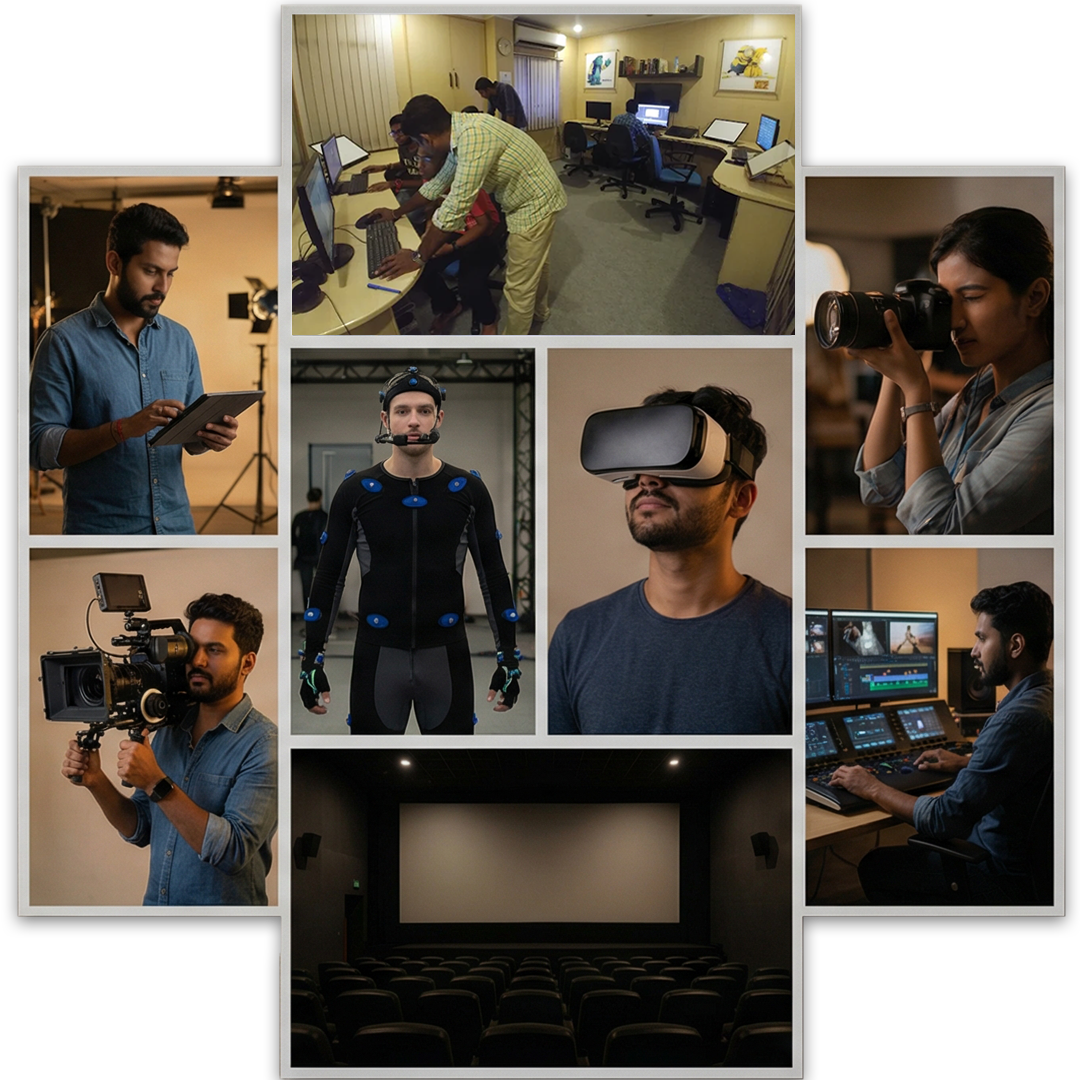
Chennai Campus
Premium IT Corridor Location
High-DPI Display Suites
Professional 4K color-calibrated monitors for precise typography and layout review.
Professional Print Lab
In-house digital proofing and large-format printing for real-world color testing.
Digital Publishing Hub
Testing lab for interactive EPUBs and digital magazines across various tablet devices.
Automation Workstations
Powerful systems pre-configured with GREP and Data Merge plugins for heavy production.
24/7 Publishing Lab Access
Climate-controlled facility with high-speed rendering nodes. Practice anytime with our specialized design gear.
InDesign Course Learning Path
A structured roadmap to transform you from beginner to professional Layout Designer & Digital Publisher.
Click to Explore Each Module
Interface & Layout Fundamentals
Master the InDesign workspace and core layout tools
What You'll Learn
- Adobe InDesign Interface & Workspace Setup
- Document Setup: Page Sizes, Bleeds & Columns
- Core Design Principles for Multi-Page Layouts
- Grids, Margins & Visual Balance
- Layers and Stacking Order
- Importing Assets from Illustrator & Photoshop
Tools Covered
Capstone Project
Design a clean single-page layout using grids, columns, and imported assets from Illustrator and Photoshop.
Master Pages & Grids
Build consistent multi-page document systems
What You'll Learn
- Master Pages: Headers, Footers & Auto-Pagination
- Setting Up Multi-Page Documents (Magazines, Booklets)
- Object Styles & Character Styles for Automation
- Reusable Styles, Libraries & Snippets
- Smart Layout Planning with Templates
- Tables: Complex Data Formatting for Magazines
Tools Covered
Capstone Project
Build a 12-page booklet template using master pages, automated pagination, and consistent paragraph styles.
Typography Mastery
Master professional type design and hierarchy
What You'll Learn
- Typography Hierarchy, Font Pairing & Readability
- Advanced Kerning & Baseline Grid Controls
- Drop Caps, Pull Quotes & Feature Headlines
- GREP Styles & Nested Styles for Automation
- Anchoring Graphics in Text Flows
- Color Theory for Editorial & Corporate Design
Tools Covered
Capstone Project
Design a full editorial spread for a lifestyle magazine featuring drop caps, pull quotes, and advanced type hierarchy.
Digital Publishing
Create interactive PDFs, eBooks & digital magazines
What You'll Learn
- eBooks: TOC, Hyperlinks & Embedded Video/Audio
- Interactive PDFs: Forms & Data Collection
- Newsletter: Email-Friendly Exports & HTML-Ready
- Conditional Text & Alternate Layouts
- Digital Magazine Design & Formatting
- EPUB Publishing & Export Settings
Tools Covered
Capstone Project
Create a fully interactive digital eBook with table of contents, hyperlinks, embedded media, and fillable PDF forms.
Pre-press & Print Production
Professional print-ready file preparation
What You'll Learn
- CMYK, Spot Colors & Overprint Preview
- Packaging Files for Print & Pre-Flight Checks
- Export Settings: High-Quality Print & PDF/X
- Working With Print Vendors & File Specifications
- Multi-Fold Brochure & Flyer Production
- Product Catalog: Grids, Tabular Layouts & Specs
Tools Covered
Capstone Project
Design and deliver a full print-ready product catalog with CMYK color setup, pre-flight checks, and PDF/X export.
Portfolio & Freelancing Career
Build your portfolio and launch your design career
What You'll Learn
- Creating a Client-Ready InDesign Portfolio
- Behance, Dribbble & Portfolio Website Setup
- Freelancing on Fiverr, Upwork & Freelancer
- Pricing Design Work & Writing Proposals
- Resume Design for Creative Jobs
- Client Communication & Interview Strategy
Career Resources
Final Capstone
Create a professional InDesign portfolio featuring a 16-page magazine, product catalog, corporate brochure, and eBook ready for job applications.
Ready to Start Your InDesign Design Career?
Join the next batch and transform your layout design skills.
Adobe InDesign Mastery
A structured 3-month journey from layout fundamentals to advanced publication design.
Introduction to Layout & Editorial Design
Foundation Module- Editorial Design: What Is Editorial & Layout Design?
- Publishing: Print vs. Digital Publishing: Key Differences
- Design Principles: Core Principles for Multi-Page Layouts
- Page Composition: Elements of Effective Page Composition
- Grids & Balance: Understanding Grids, Margins & Visual Balance
- Typography: Hierarchy, Pairing & Readability Essentials
- Color Theory: For Editorial & Corporate Design
- Design Process: From Brief to Final Output
- Real-World Study: Analyzing Magazines, Catalogs & Profiles
InDesign Interface Mastery
Core Essentials- Interface: Introduction to Adobe InDesign Interface
- Workspace: Customization & Tool Overview
- Document Setup: Page Sizes, Bleeds, Columns
- Master Pages: Grids and Guides for Consistency
- Multi-Page Docs: Setting Up Magazines & Booklets
- Layers: Understanding Layers and Stacking Order
- Styles: Managing Fonts, Paragraph & Character Styles
- Assets: Importing from Illustrator & Photoshop
- Templates: Smart Layout Planning with Templates
- Libraries: Reusable Styles, Libraries, and Snippets
Magazine & Editorial Layouts
Real-World Projects- Feature Articles: Headers, Drop Caps & Pull Quotes
- Grid Systems: Image + Text Balance Layouts
- Product Catalog: Grids, Tabular Layouts & Product Specs
- Catalog Styling: Consistent Styling Across Pages
- Corporate Brochure: Company Overview, Services & Testimonials
- Cover Design: Front/Back Cover with Brand Alignment
- Multi-Fold Brochure: Promotional Design with CTA & Imagery
- eBooks: TOC, Hyperlinks & Embedded Video/Audio
- Interactive PDFs: Forms & Data Collection
- Newsletter: Email-Friendly Exports & HTML-Ready Layouts
- Annual Reports: Clean Tables, Charts & Narrative Formatting
- Resume Design: Creative CV & Portfolio Layout Design
Advanced InDesign Techniques
Pro Level Skills- Long Documents: Working With Books & Long Documents
- Automation: TOC & Index Automation
- Data Merge: Catalogs & Personalized Layouts
- Object Styles: GREP Styles & Nested Styles
- Anchored Graphics: Anchoring Graphics in Text Flows
- Conditional Text: Alternate Layouts & Conditional Content
- Typography: Advanced Kerning & Baseline Grid Controls
- Scripts: Using Scripts to Speed Up Repetitive Tasks
- Export Settings: High-Quality Print, PDF/X & EPUB
- Prepress: Packaging Files for Print & Pre-Flight Checks
Portfolio Development & Freelancing
Career Strategy- Portfolio: Creating a Client-Ready InDesign Portfolio
- Case Studies: Writing Case Studies for Design Projects
- Online Presence: Behance, Dribbble & Portfolio Website Setup
- Freelancing: Fiverr, Upwork & Freelancer Platforms
- Pricing: Design Work Pricing & Writing Proposals
- Print Vendors: Working with Vendors & File Specifications
- Resume Design: Creative Resume for Design Jobs
- Interview Tips: Client Communication & Interview Strategy
- Project Management: Revision Workflow & Deadline Management
- Client Presentation: Presenting Concepts & Receiving Feedback
Ready to Master Professional Layout Design?
Join our 3-month Adobe InDesign program and build a stunning portfolio.
Download Full Syllabus βMaster The Industry Standard Professional Design Tools

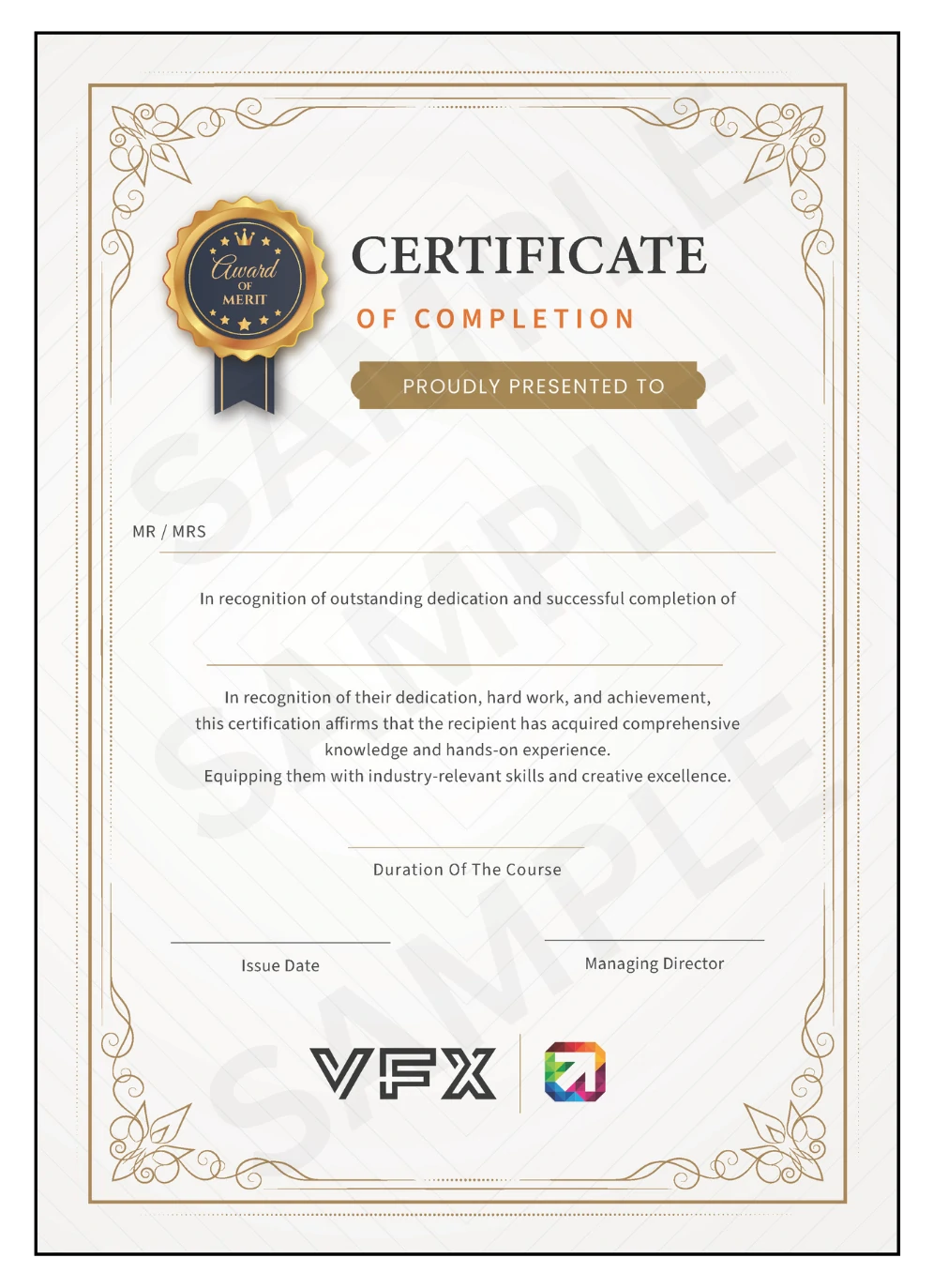
Adobe InDesign Certification
Receive an industry-recognized certificate upon completing our Adobe InDesign Course. Your certification validates your expertise in Stereoscopic Rigs, Nuke Ocula pipelines, and IMAX 3D workflows.
ISO-Aligned Professional Certificate
Recognized by top studios, OTT platforms, and production houses across India.
LinkedIn Verifiable Digital Badge
Share your achievement on LinkedIn for instant recruiter visibility.
Portfolio Assessment Based
Certification awarded based on your capstone project and showreel quality.
Lifetime Validity
Your certificate remains valid forever. Annual skill update workshops available.
Globally Recognized Accreditation
Our courses are certified by CBEC Canada β trusted across 30+ countries for maintaining world-class professional education standards.
The Power of CBE Canada
- β Trusted Canadian Certification Body
- β Active in 30+ Countries Worldwide
- β 50,000+ Students Impacted Annually
Setting global benchmarks in innovation and lifelong learning.
Delivering elite certifications with leading global institutions.
Earn a certificate that is respected by studios across the globe.
Training programs mapped to ISO quality benchmarks.
Higher employability rates for students with international credentials.
Publishing Career Opportunities
The demand for skilled InDesign experts has surged in the digital publishing and packaging industry. Join top agencies and publishing houses as a certified professional.
Graphic & Print Designer
βΉ4 - 8 LPADesign print materials like brochures, business cards, flyers, and banners for diverse brands.
Layout & Publication Artist
βΉ5 - 10 LPAStructure multi-page documents ensuring perfect typography, grids, and visual balance.
Marketing Collateral Designer
βΉ6 - 12 LPACreate visual assets for marketing campaigns, including catalogs, whitepapers, and promotional kits.
Digital Magazine Designer
βΉ7 - 14 LPADesign and format interactive magazines, eBooks, and digital publications for online reading.
Desktop Publishing Specialist
βΉ5 - 9 LPAManage the technical production of documents, ensuring files are print-ready and standardized.
Freelance InDesign Expert
βΉ20K - 1.5L/projWork with global clients on high-end book design, catalogs, and diverse marketing collateral projects.
Artist
Designer
Designer
Publisher
Director
Start your professional design journey today.
Get Started NowOur Students Works
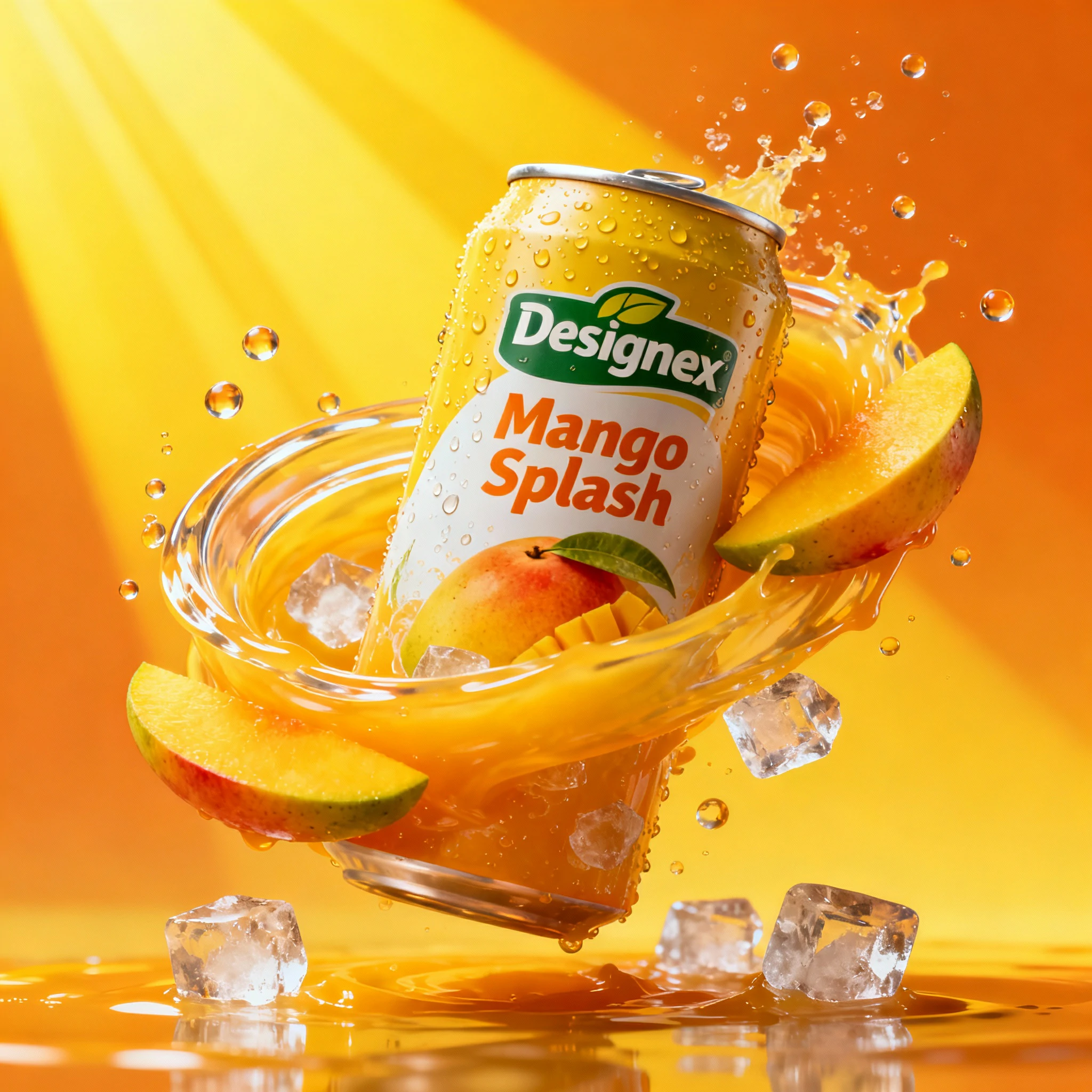
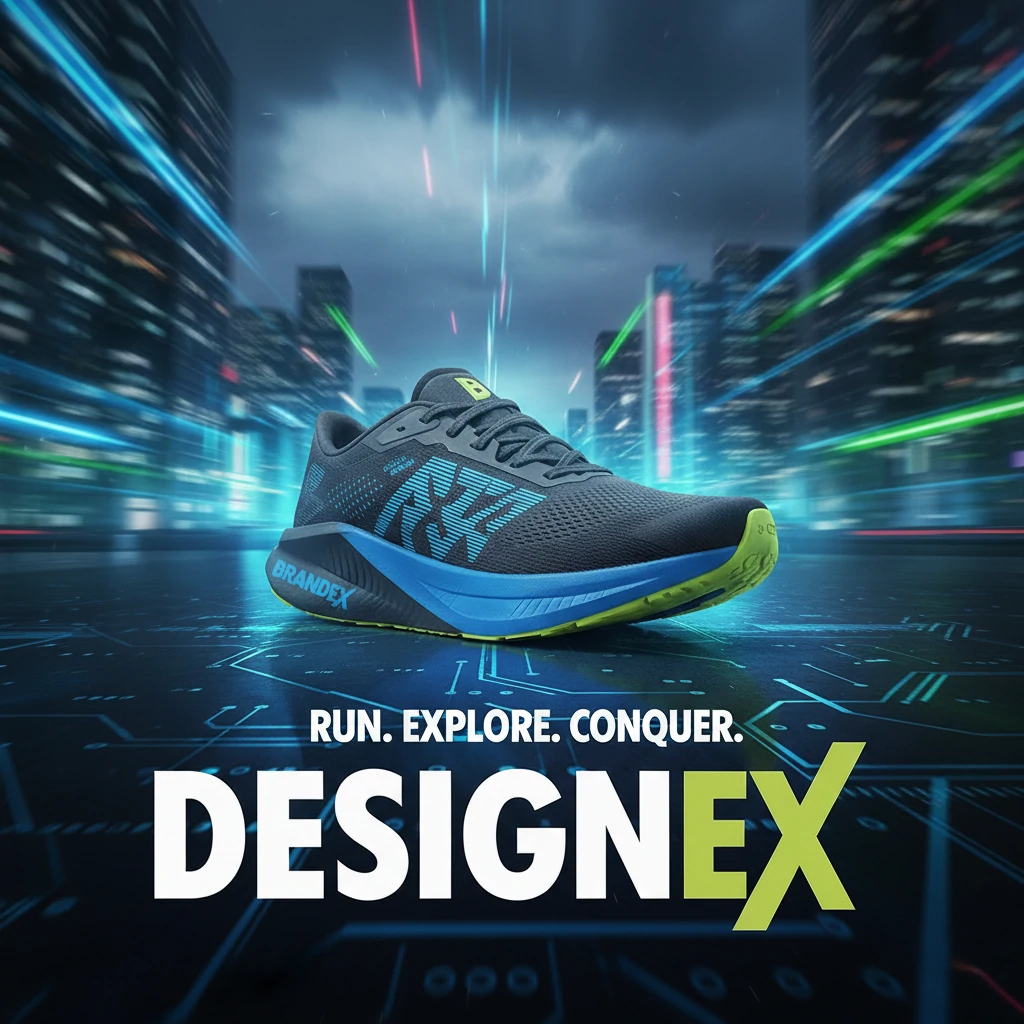
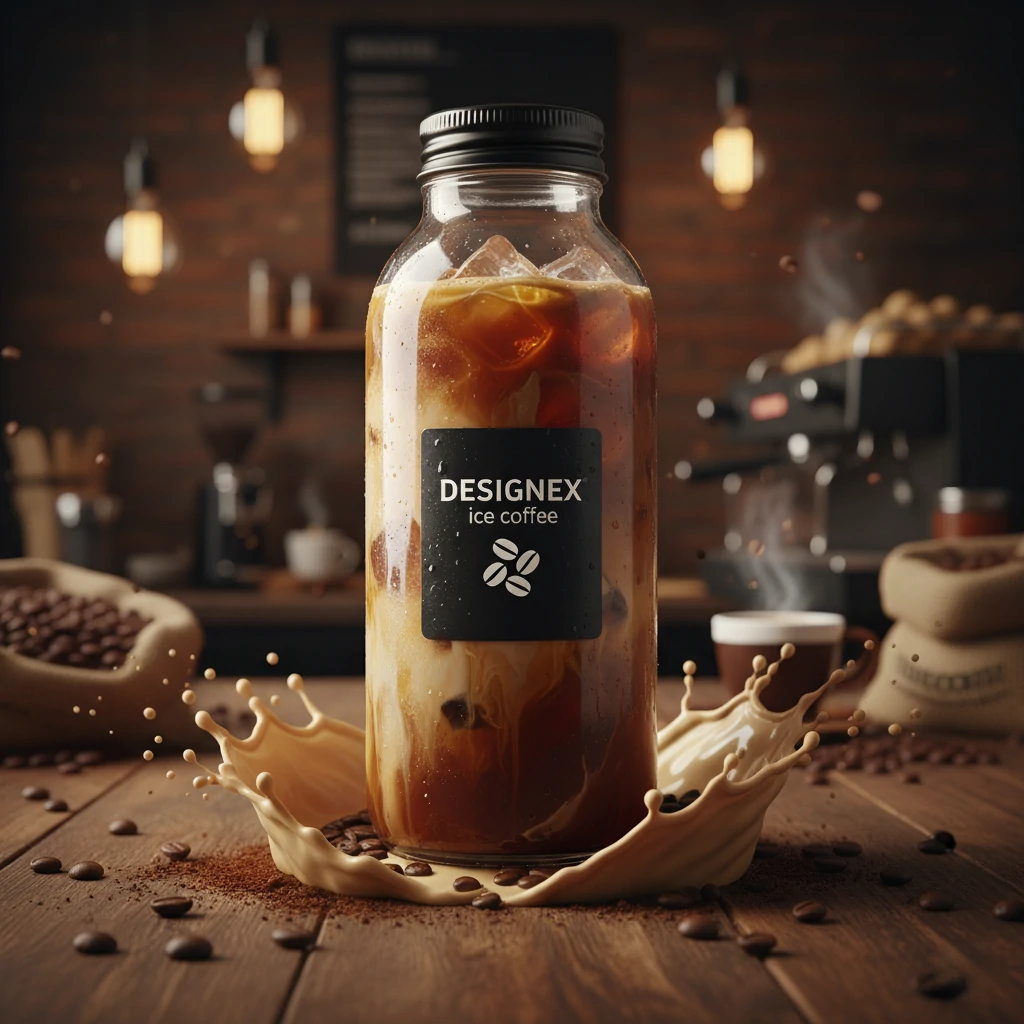
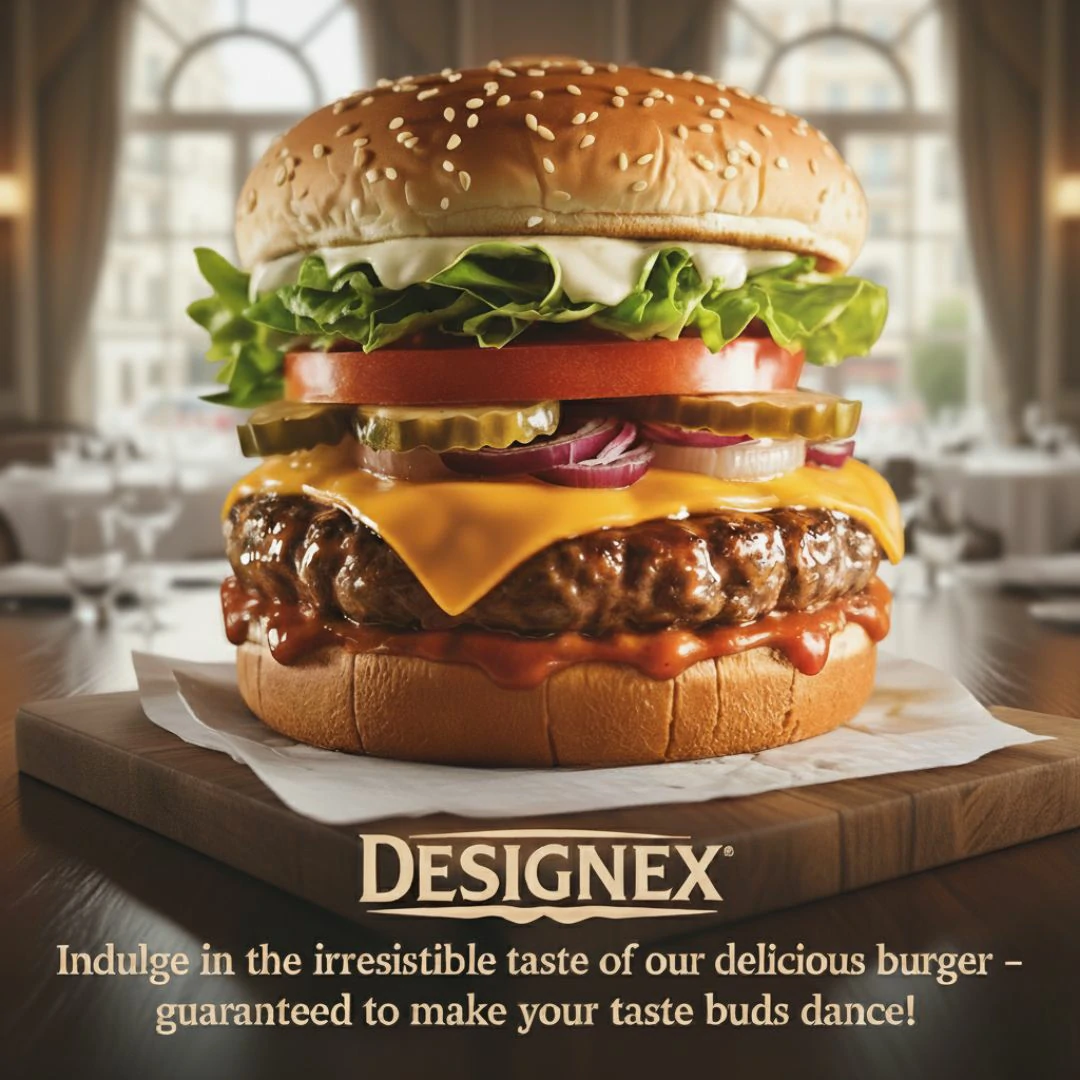
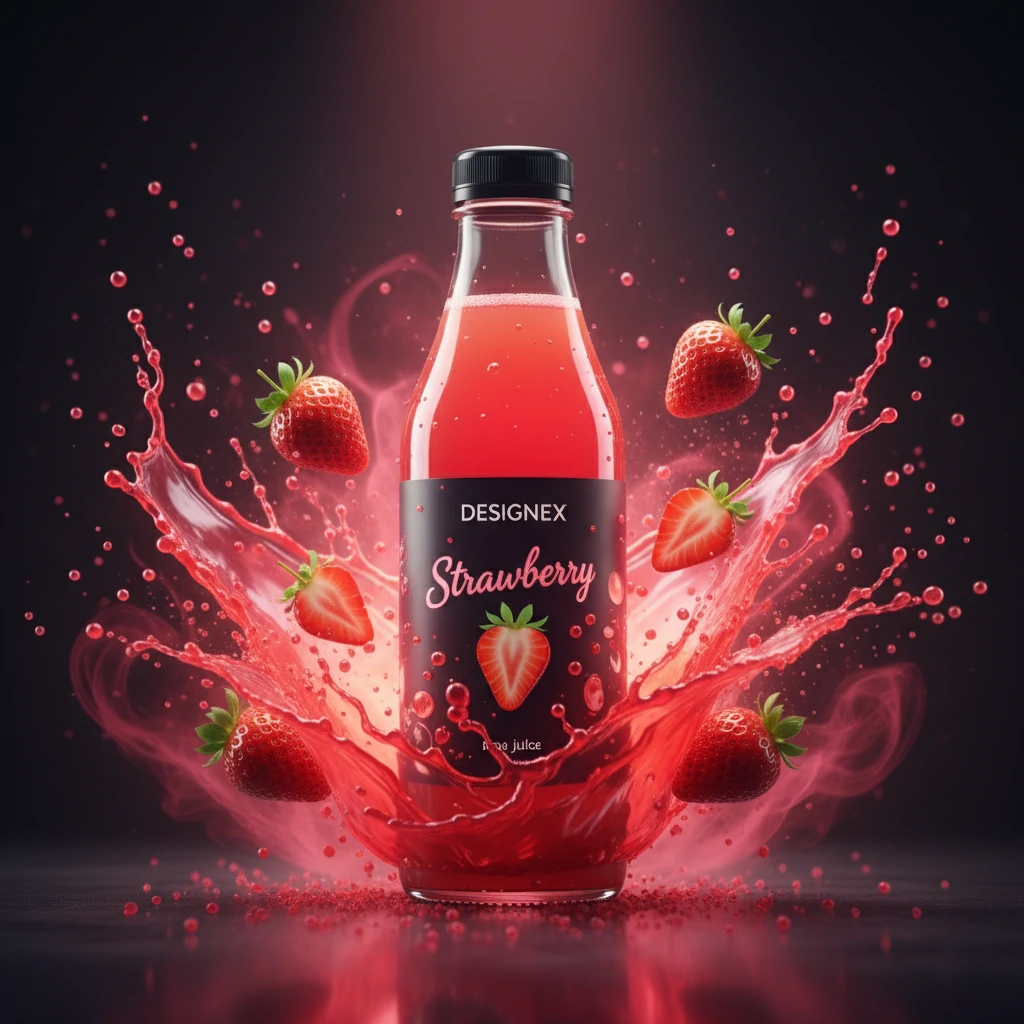
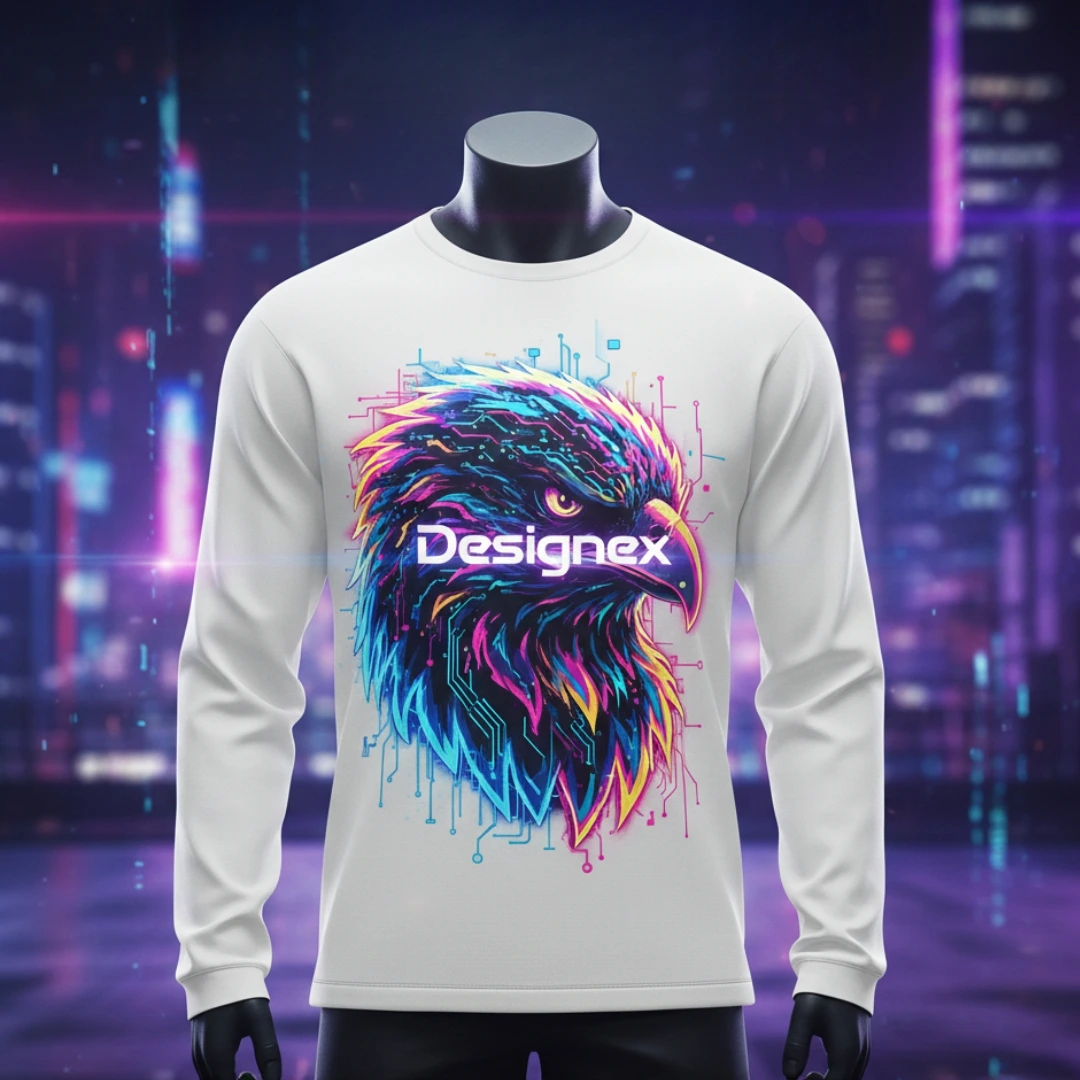
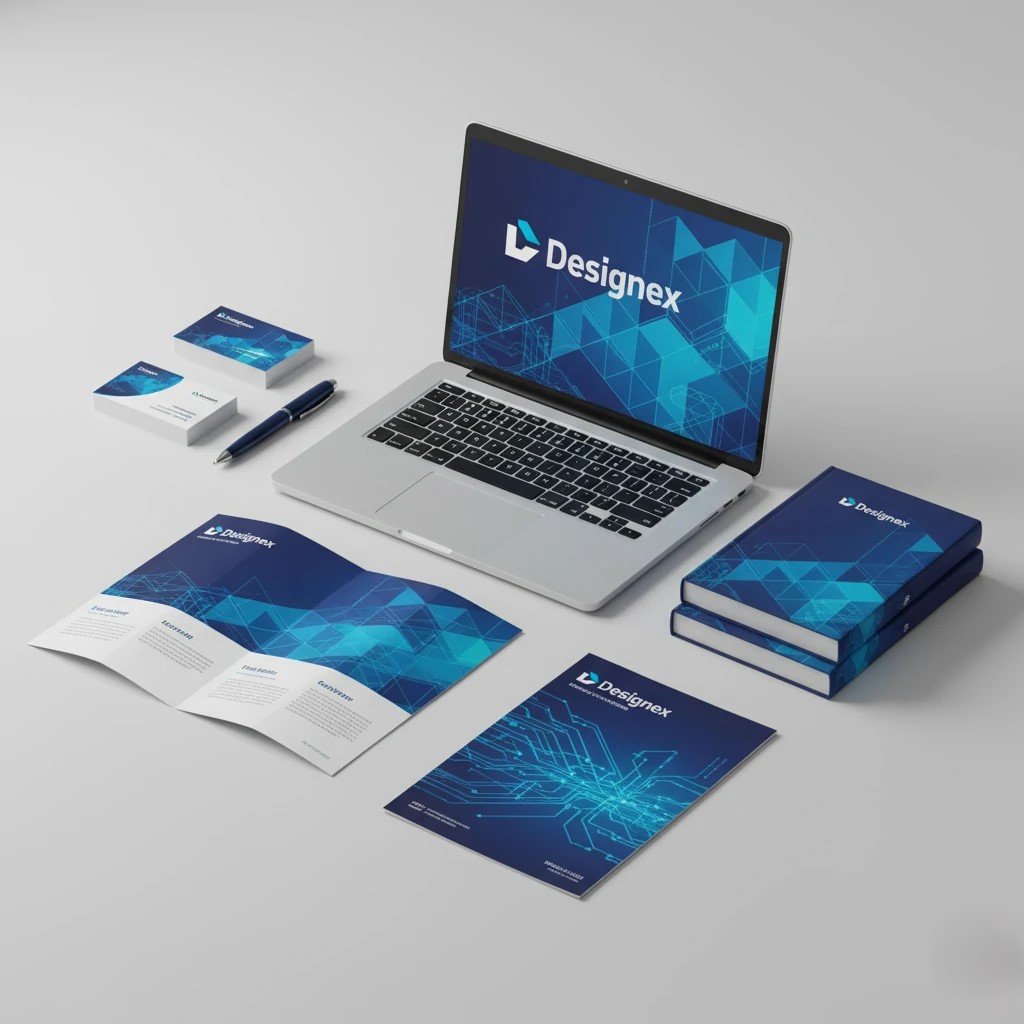
Explore new opportunities with us: Designex, a mock brand created for students to develop standout portfolio projects. Be part of these creative experiences and so much more.












What Our Students Say
Our graduates are leading layout production for global publishers, agencies, and top creative firms.







Start Your Professional InDesign Career
Join a community of elite designers with lifetime mentorship support.
Placement Support
We bridge the gap between our elite InDesign students and the industry's top publishing houses, ad agencies, and brand teams.
Design Portfolio Dev
Curate a professional portfolio featuring high-end magazine layouts and complex brand books.
Agency Networking
Connect with leading creative agencies and corporate brand departments looking for layout specialists.
Direct Hiring Access
Exclusive access to our hiring network including publishing giants and design studios across India.
Hiring Partners
Trusted by Industry Leaders





Upcoming Batches
Course Fees
- 300+ Hours of Hands-On Training
- Access to All Layout Tools & InDesign Lab
- Professional Portfolio & Publication Design
- 100% Placement Assistance (1 Year)
- Industry-Recognized InDesign Certificate
- Exclusive Bonuses Worth βΉ25,000
Empowering Scholarships
We believe layout talent should never be limited by circumstances. Our financial aid programs help exceptional students achieve their dreams.
Apply for ScholarshipBridge the Gap
Designed to ease financial burdens for individuals eager to advance their layout careers.
Roots of Resilience
Special support for children from agricultural families venturing into digital publishing.
Patriot's Legacy
Empowering the next generation of armed forces families with future-ready design skills.
Empower Her
Lifting up spirited women to bridge the gender gap and foster new design leadership.
Frequently Asked Questions
Everything you need to know about our InDesign training and career opportunities.
Still have questions?
Our career counselors are here to help you choose the right path.
Get In TouchStart Your Design Journey
Ready to master Adobe InDesign? Our team is here to guide you toward a professional publishing career.
Visit Our Campus
VFX, 4, 5, Inner Ring Rd, Senthil Nagar, Arumbakkam, Chennai, Tamil Nadu 600106
Call Us
+91-97514 59041
(Mon-Sat, 9 AM β 8 PM)
Email Us
info@vfxindia.in
Quick response within 24 hours
Transform Your Future π
Join India's leading InDesign Course Limited seats available for the April 2026 batch.