






Skip to content
🎓 Explore Career Ready Courses in Media Design 🔥 Admissions Open for July 2026 — Enroll Now! 💡 New: AI-Powered Courses in VFX, Design & Film Editing 🏆 100% Placement Assistance | Industry-Ready Training
Login/Register Call: 78-4565-4565 Email: info@vfxindia.in
VFX India
  • Online Course
    Design & Creative Arts
    Graphic Design Course AI Graphic Design Course Print Graphic Design Course Adobe Illustrator Course Adobe InDesign Course Adobe Photoshop Course Advertising Design Course UI UX Design Course Visual Design Course
    Video Editing & Film
    Adobe After Effects Course DaVinci Resolve Course Film Color Grading Course Film Editing Course Final Cut Pro (FCP) Course Video Editing Course
    Web & App Development
    App Development Course Web Design Course Web Development Course WordPress Course
    Game Development
    Game Design Course
    Animation & VFX
    Blender Course Multimedia Course Visual Effects (VFX) Course
    Marketing & SEO
    Digital Marketing Course SEO Course
  • Offline Courses
    Design & Creative Arts
    Advertising Graphic Design Graphic Design Course InDesign Course Illustrator Course Photoshop Course Print Media Design UI UX Course Visual Communication
    Game Development
    Game Development Course Game Design Course
    Animation & VFX
    3D Animation Course 3D Dynamics Course 3D Stereoscopic Filmmaking Blender Course Houdini Course Motion Graphics Course Match Moving Course Matte Painting Course Multimedia Course Rotoscoping Course VFX Course
    Video Editing & Film
    After Effects Course DaVinci Resolve Course Film Color Grading Film Editing Course Video Editing Course FCP Course YouTube Editing Course
    Photography & Digital Media
    Digital Photography Course E-Publishing Course
    Web & App Development
    App Development Course Web Design Course Web Development Course WordPress Course
    Marketing, SEO & E-Commerce
    Digital Marketing Course E-Commerce Course Off Page SEO Course On Page SEO Course SEO Course Technical SEO Course
    AI Media Course
    AI Advertising Course AI Animation Course AI Film Editing Course AI Film Making Course AI Graphic Design Course AI UI UX Design Course AI VFX Course AI Video Editing Course AI Web Design & Dev
    Master & Diploma Courses
    Apple Creator Studio Master Visual Media & DI
  • Resources
    About Us Blogs Career Hub Infrastructure
  • Contact Us
Enroll Now
VFX India
Online Course
Design & Creative Arts
Graphic DesignAI Graphic DesignPrint Graphic DesignAdobe IllustratorAdobe InDesignAdobe PhotoshopAdvertising DesignUI UX DesignVisual Design
Video Editing & Film
After EffectsDaVinci ResolveFilm Color GradingFilm EditingFinal Cut ProVideo Editing
Animation & VFX
BlenderMultimediaVFX Course
Web & App Development
App DevelopmentWeb DesignWeb DevelopmentWordPress
Game Development
Game Design
Marketing & SEO
Digital MarketingSEO Course
Offline Courses
Design & Creative Arts
Advertising Graphic DesignGraphic DesignInDesignIllustratorPhotoshopPrint Media DesignUI UXVisual Communication
Animation & VFX
3D Animation3D Dynamics3D Stereoscopic FilmmakingBlenderHoudiniMotion GraphicsMatch MovingMatte PaintingMultimediaRotoscopingVFX
Video Editing & Film
After EffectsDaVinci ResolveFilm Color GradingFilm EditingVideo EditingFCPYouTube Editing
Web & App Development
App DevelopmentWeb DesignWeb DevelopmentWordPress
Marketing, SEO & E-Commerce
Digital MarketingE-CommerceOff Page SEOOn Page SEOSEOTechnical SEO
Game Development
Game DevelopmentGame Design
Photography & Digital Media
Digital PhotographyE-Publishing
AI Media Course
AI AdvertisingAI AnimationAI Film EditingAI Film MakingAI Graphic DesignAI UI UX DesignAI VFXAI Video EditingAI Web Design & Dev
Master & Diploma
Apple Creator StudioMaster Program in Visual Media & DI
Resources
About UsBlogsCareer HubInfrastructure
Contact Us
Chat on WhatsApp
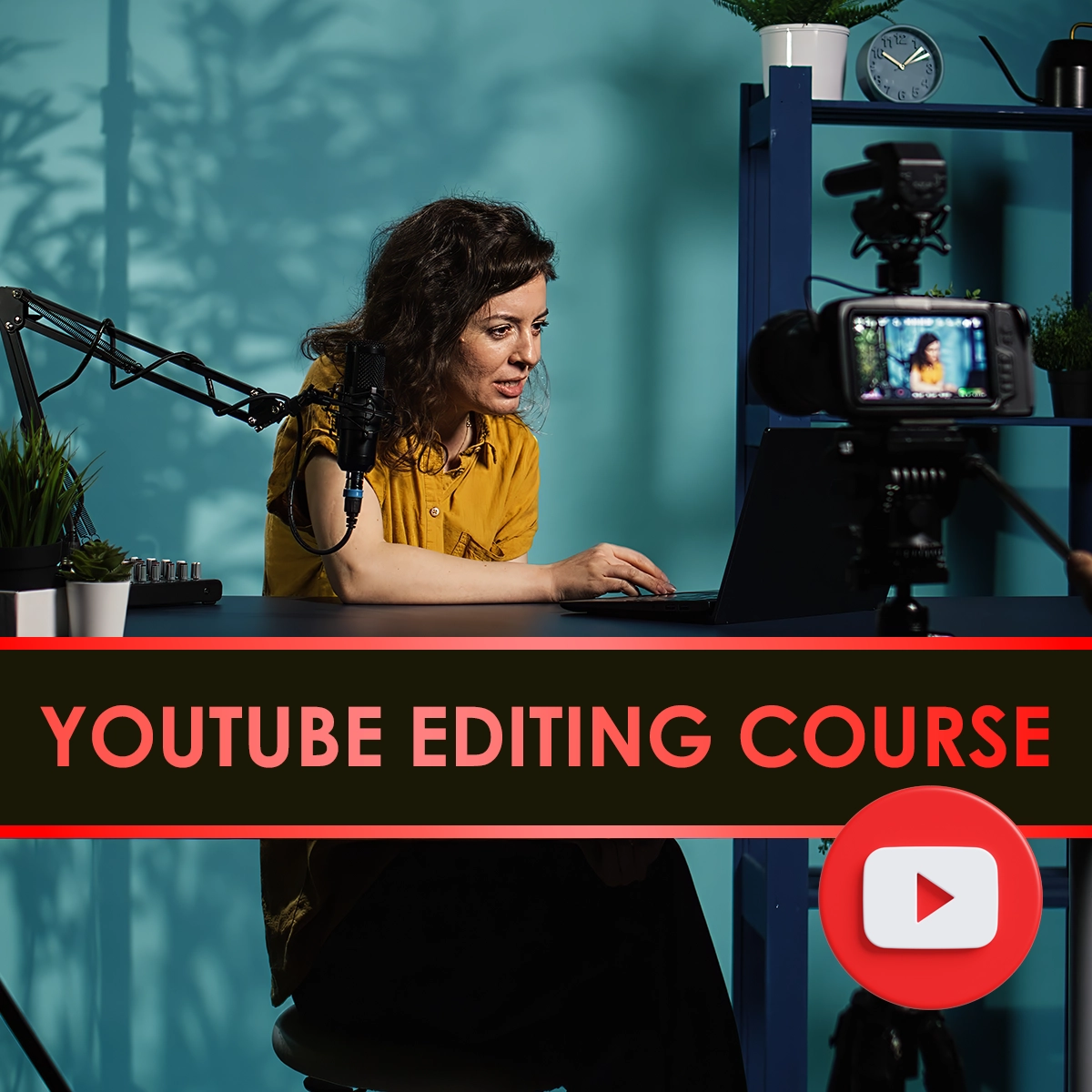
YouTube editing course
YouTube Video Editing Course | Professional Training Chennai
Home YouTube Video Editing Course
🎬 4.8 Creator Rating Admissions 2026 Open

YouTube Video
Editing Course

Retention Editing · Motion Graphics · Viral Storytelling · YouTube SEO · Channel Growth

Master the art of high-retention video editing and channel growth at Chennai's Premier VFX Academy. Learn to edit like top creators using Premiere Pro, FCP, and DaVinci Resolve with CBE Canada Globally Accredited Certification.
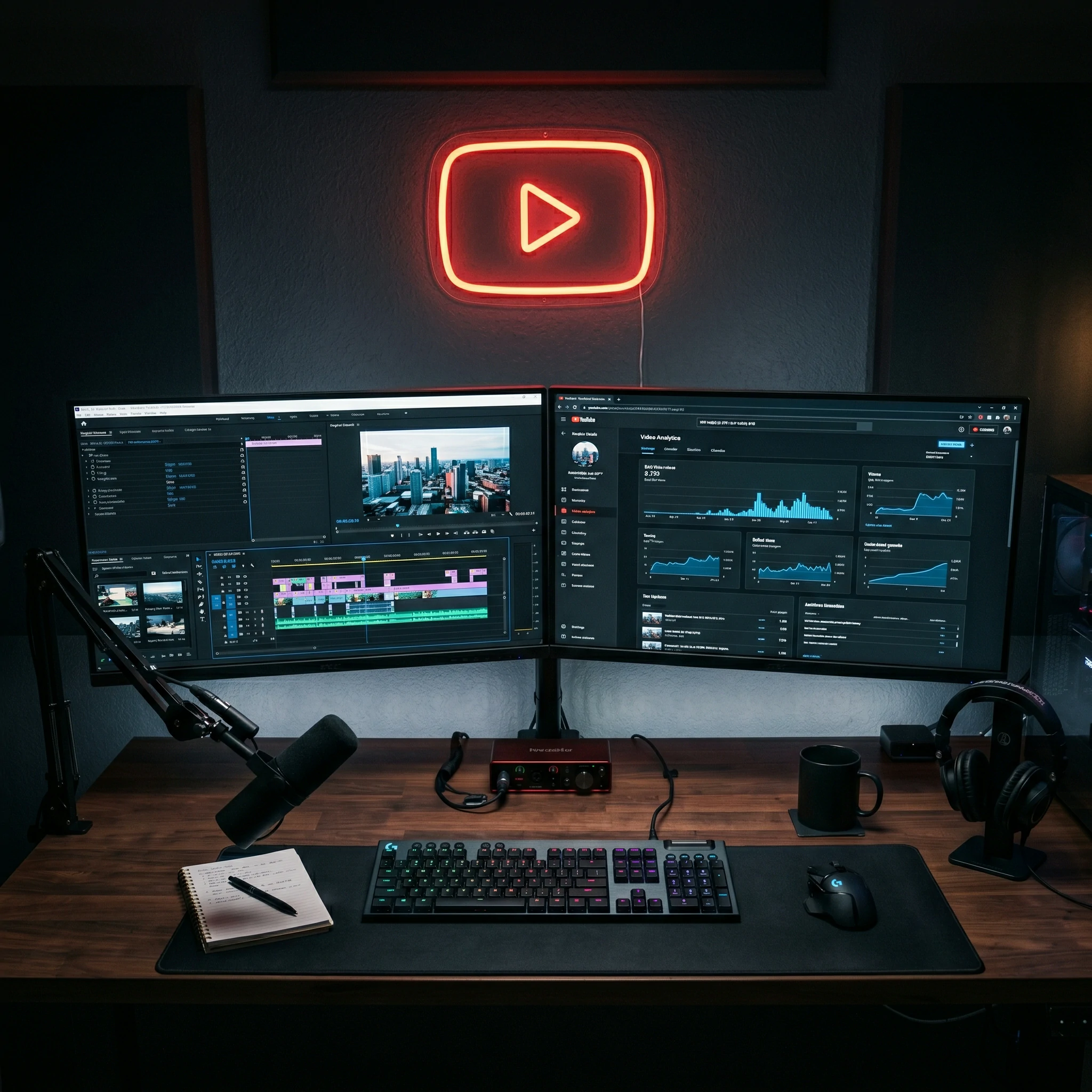
Retention EditingKeep Viewers Hooked
Global CertificateCBE Canada Partner
YouTube SEOAlgorithm Optimization
Motion GraphicsEngaging Callouts
Sound DesignAudio Engineering
100% PlacementIndustry Network
Enroll Now Download Syllabus
YouTube Video Editing Course Chennai
Viral Content
Retention Focus
Quick Cuts
Dynamic Pacing
Thumbnails
CTR Optimization
Community
Creator Network
Alumni Network
0+

Skilled creative professionals trained and placed across top studios in India.

Job Placement
0%

Career assurance with top digital media agencies and YouTube content studios.

Global Edge
0+ Yrs

Legacy of excellence with CBE Canada globally recognized professional certification.

Live Projects
0+

Hands-on studio projects focusing on high-retention viral YouTube content styles.

Professional YouTube Video Editing Training
Manual Mode Mastery

YouTube Video Editing — The Art of Light

Understanding the Craft

What is YouTube Video Editing?

YouTube Video Editing is the professional mastery of light, composition, and digital sensors to capture compelling visual narratives. It goes far beyond simply clicking a button; it involves total control over the exposure triangle to craft high-end imagery.

  • Cinematic Composition Master the rule of thirds, leading lines, and framing to naturally guide the viewer's eye through your viral videos.
  • Retention Editing Control Understand the physics of light using softboxes, reflectors, and strobes for professional portrait and fashion shoots.
  • RAW Post-Processing Utilize Adobe Lightroom & Photoshop for non-destructive color grading, exposure recovery, and high-end retouching.
  • Commercial & Event Workflows Learn high-paced shooting strategies for weddings, events, and product YouTube video editing to thrive in the commercial industry.
Program Overview

Master the Art of
YouTube Video Editing

Our comprehensive masterclass is designed to take you from a complete beginner to a studio-ready professional. We focus on practical, hands-on training using industry-standard equipment to ensure you understand every aspect of light, framing, and post-production.

Camera Mechanics

Complete control over ISO, Aperture, and Shutter Speed for perfect exposures.

Retention Editing

Mastering multi-point lighting, strobes, and modifiers in a professional studio.

Commercial Work

Product, fashion, and event YouTube video editing techniques for paying clients.

Retouching

Advanced editing workflows using Adobe Lightroom & Photoshop CC.
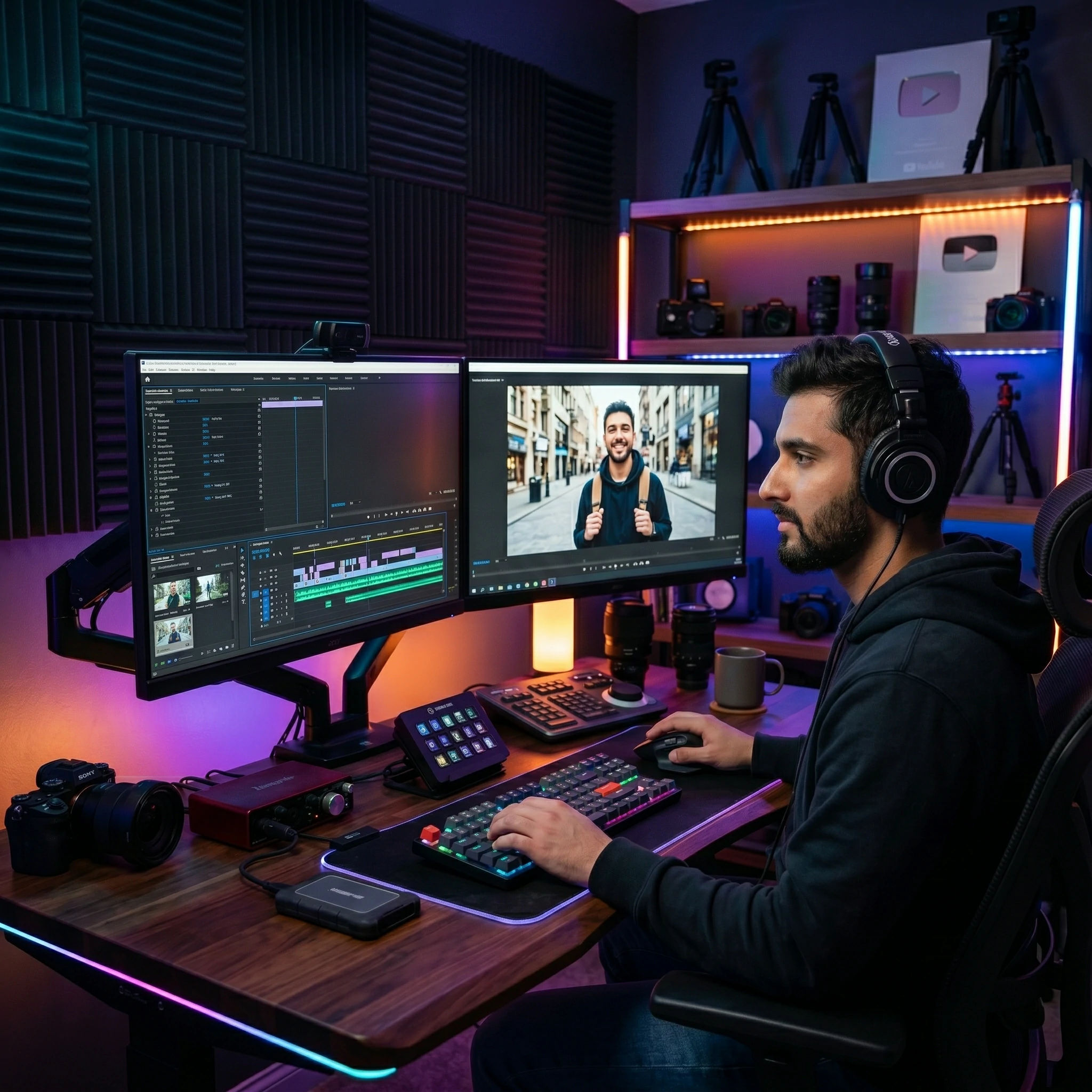
YouTube Video Editing Program Overview
YouTube Video Editing Career Options
Why YouTube Video Editing?

A Thriving Career in
Visual Arts

Wedding & Event YouTube Video Editing

Enter a multi-million dollar industry capturing life's most precious moments with candid and directorial techniques.

Fashion & Commercial

Work with ad agencies, fashion labels, and e-commerce platforms to shoot high-end campaigns and product catalogs.

Freelance Independence

Enjoy the freedom to travel, work on your own schedule, and build a unique personal brand in the creative economy.

Program Highlights

Mastering the
Essential Topics

Our curriculum is designed to transform beginners into professional YouTube editors through a structured, topic-driven approach.
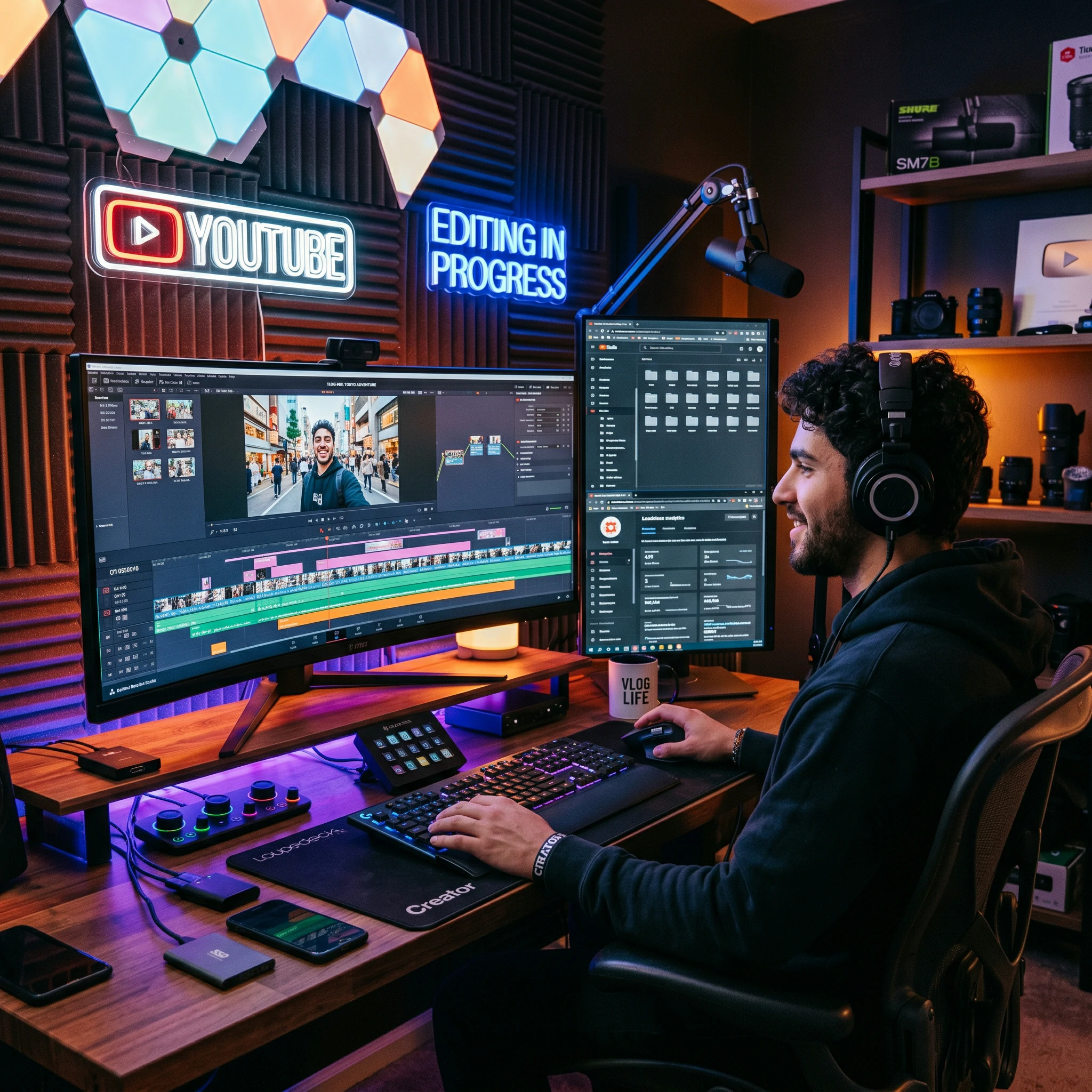
Advanced Camera Mastery

Master manual controls, focus techniques, and exposure settings for every environment.

Lighting & Composition

Learn to manipulate natural and studio light while mastering framing and the rule of thirds.

Post-Processing Workflow

Deep dive into Adobe Lightroom and Photoshop for high-end retouching and color grading.

Advanced YouTube Video Editing Training
12+

Mastery
Modules

Career Roadmap 2026

Program Timeline & Enrollment Details

2-Month Masterclass

Complete professional training covering Manual Controls, Retention Editing, and Digital Post-Processing workflows.

Eligibility

10th, 12th, or Graduates from any stream with a passion for visual arts. No prior technical experience required.

Learning Modes

Choose between Offline Classroom in Chennai, Live Virtual Classes, or a Hybrid learning model.
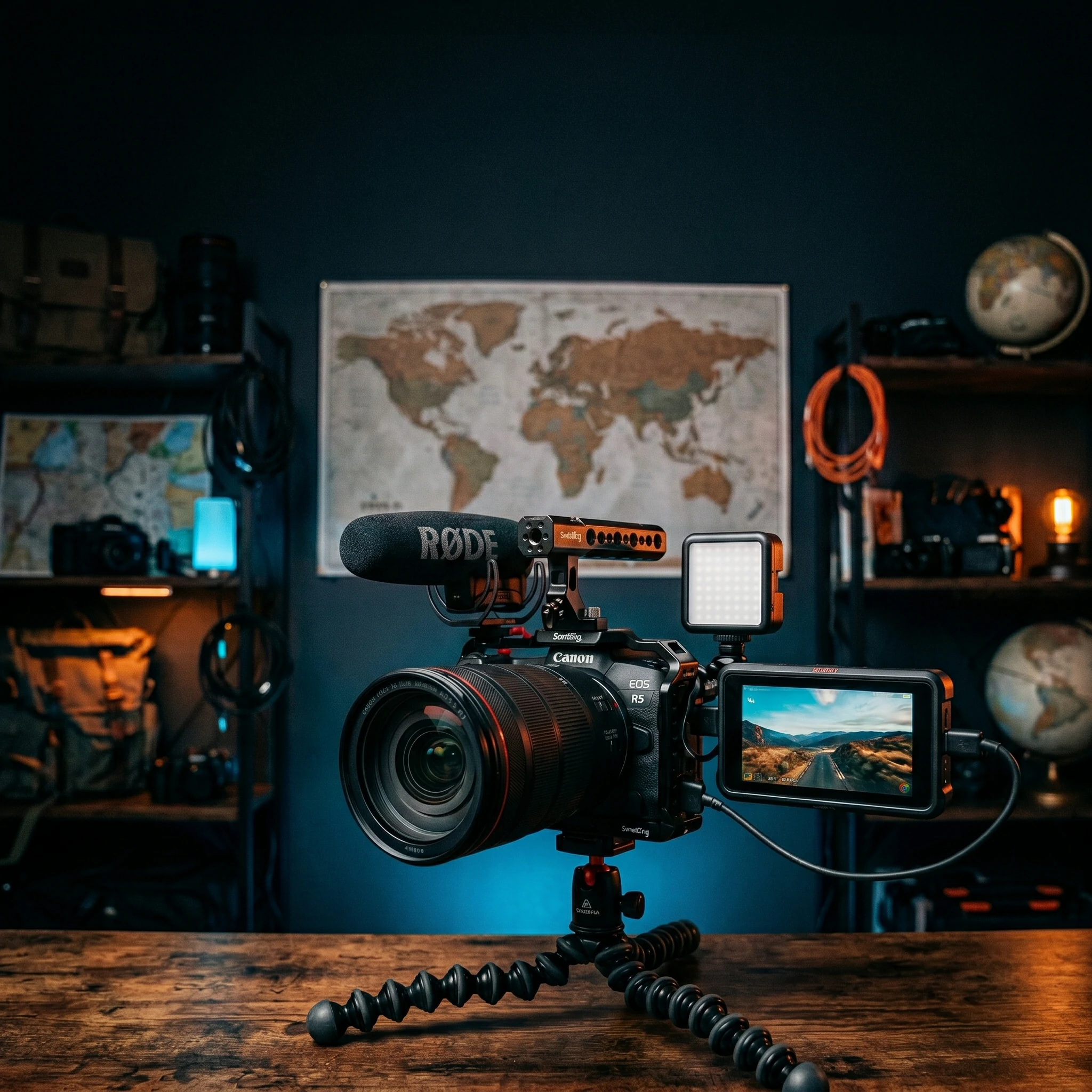
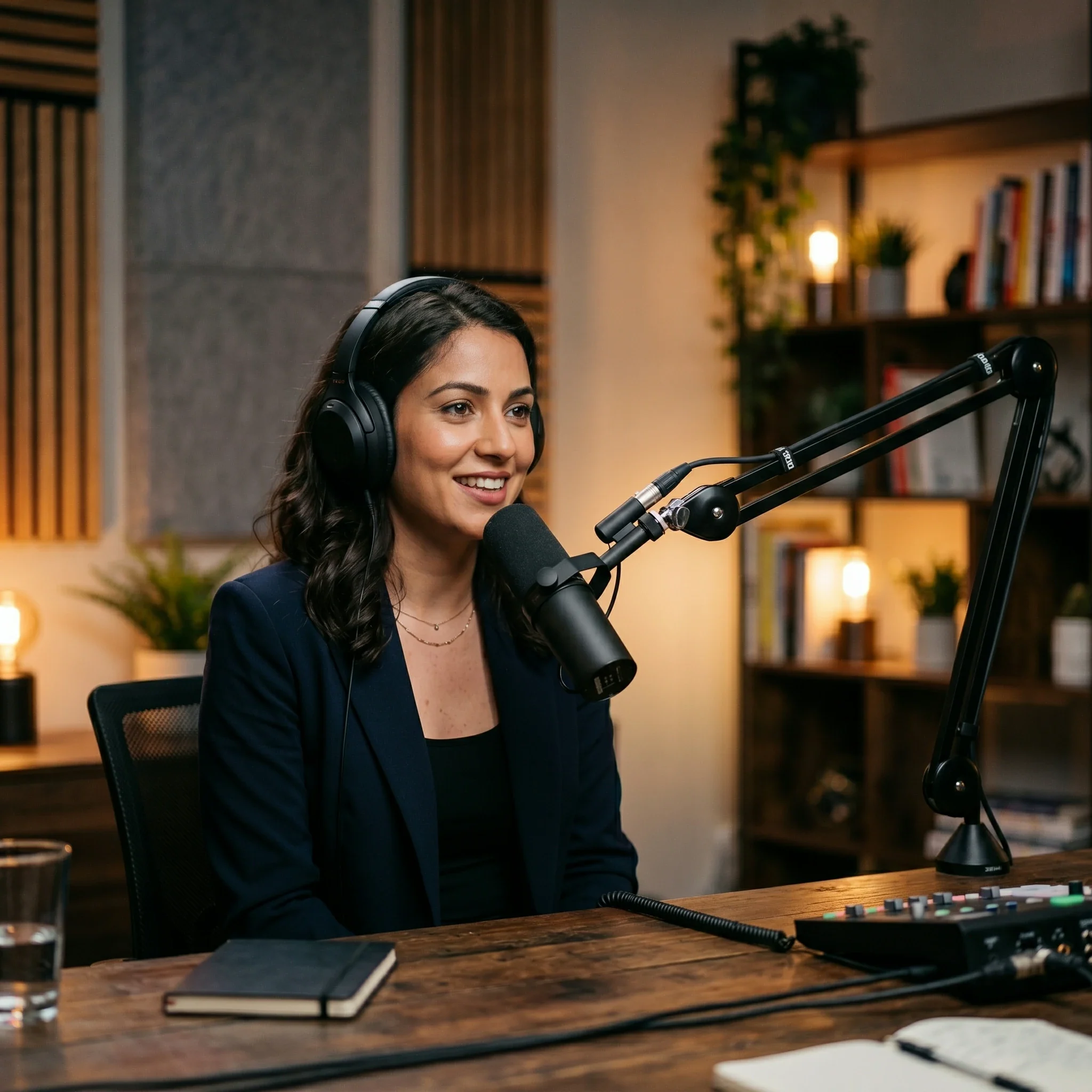
Professional YouTube video editing studio training environment

Full Studio Access

Practice daily in our professional YouTube video editing studio from 10 AM to 8 PM with dedicated mentorship support.

Live Portfolio Projects

Work on production-standard shoots covering Vlogs, Shorts, Podcasts and Commercials YouTube video editing.

Global Certification

Receive CBE Canada accreditation, a globally recognized credential to validate your professional YouTube video editing skills.

Classroom Chennai Campus
Live Online Global Access
Hybrid Flexi-Learning
10 AM - 8 PM Studio Practice
Pro-Level Mastery

YouTube Video Editing
Mastery Program

Master the industry's most advanced lighting techniques & professional post-processing
with expert mentorship.
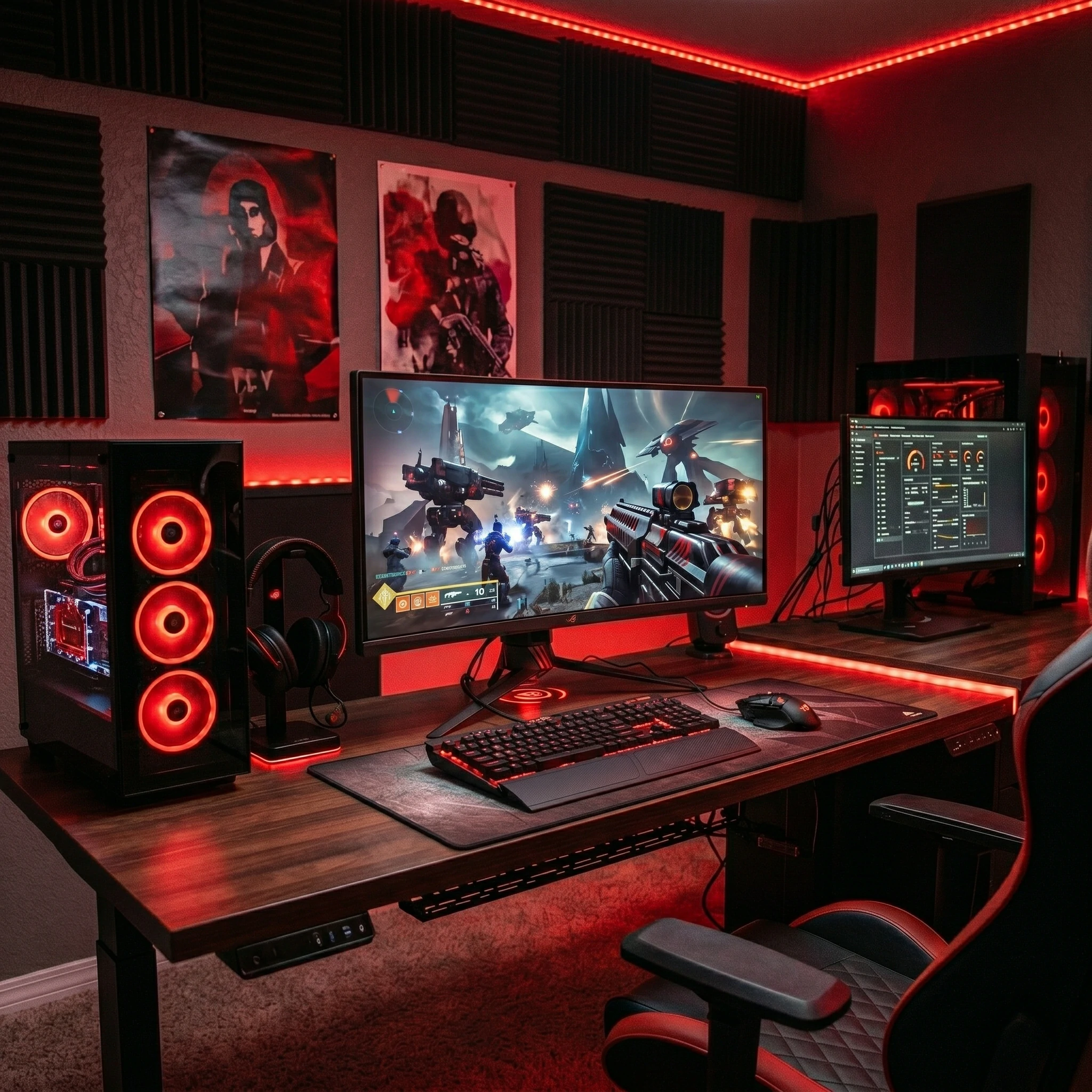
4-Month Intensive Mastery Studio-Style Learning
Professional YouTube Video Editing Training at VFX India Chennai Studio
Studio-Ready Mastery

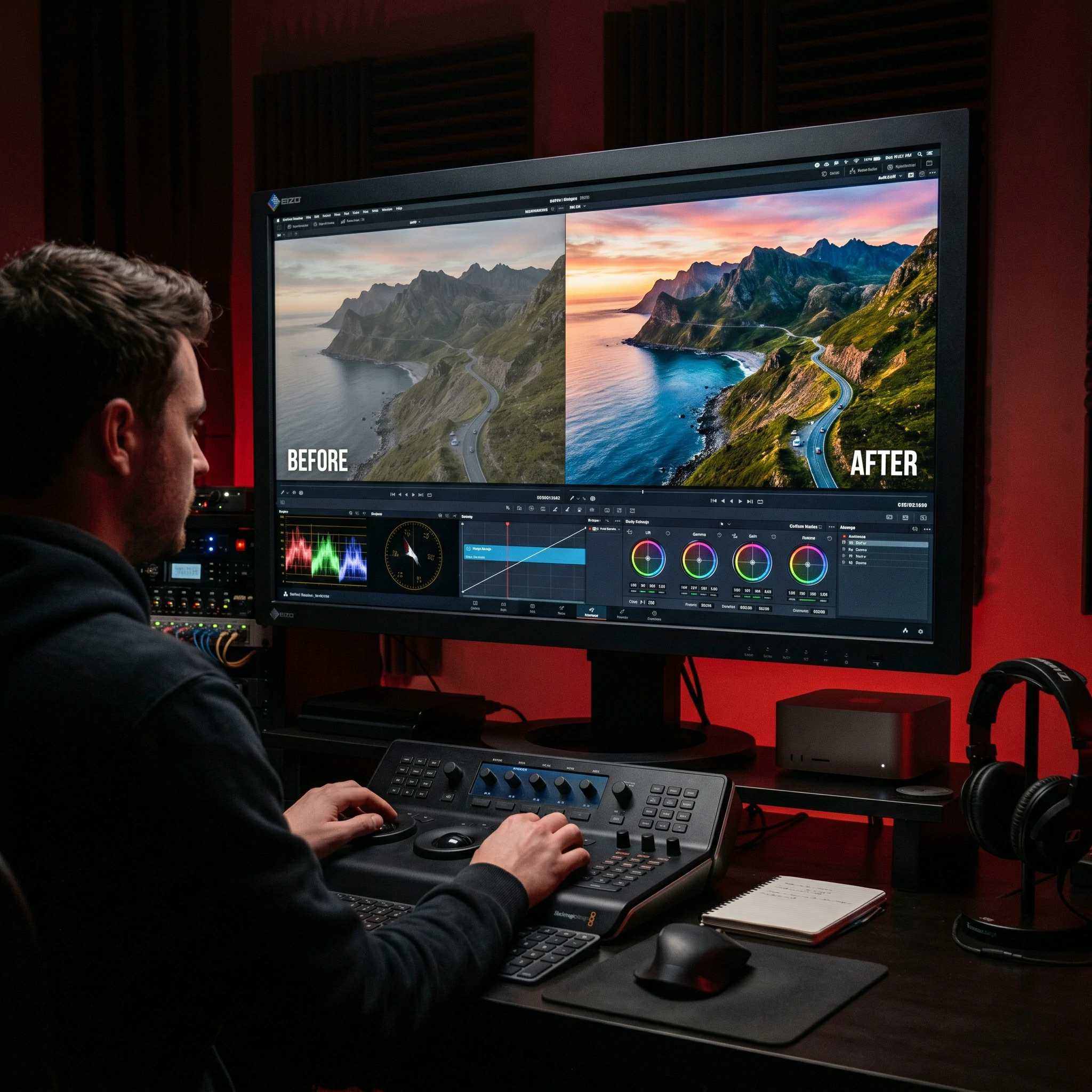
Professional YouTube Video Editing Pipeline

Master Retention Editing, Composition & High-End Retouching

Advanced Exposure Control

Master ISO, Shutter, and Aperture relation to achieve perfect exposure in extreme lighting conditions.

Dynamic Range Manual Mastery

Professional Retention Editing

Master 3-point lighting, butterfly, and dramatic Rembrandt setups using professional strobes.

Fashion & Portraiture

Learn model posing, emotional direction, and skin-tone management for high-end fashion series.

Creative Product Shoots

Master macro YouTube video editing and commercial lighting for products and advertising campaigns.

Post-Processing Mastery

Build a world-class portfolio using non-destructive workflows in Lightroom and Photoshop.

The MasterPhoto Advantage

Intensive studio-standard curriculum with hands-on live shoot training.

Private Mentorship
Work on Live Projects
Join the Program

Is This YouTube Video Editing Course Right for You?

Explore how professional YouTube video editing skills fit into your career and creative goals.

For Students & Graduates

Start your career as a professional YouTube editor. This course transitions you from a beginner to a studio-ready artist with a solid portfolio.

Build a specialized professional portfolio from scratch.
Get 100% placement support in top advertising & wedding studios.
Earn a globally recognized certificate from CBE Canada.

For Graphic Designers

Elevate your design work by capturing your own high-quality assets. Understanding lighting and framing will drastically improve your layout sense.

Stop relying on stock photos; create custom branded imagery.
Master Retention Editing to match your 3D or 2D designs.
Double your creative value by offering YouTube video editing + design.

For Content Creators

Understanding camera optics and lighting is crucial for YouTube and social media success. Learn to make your content look cinematic and high-end.

Master bokeh, slow-shutter effects, and creative framing.
Learn color grading in Lightroom and Photoshop for social impact.
Create high-quality reels and branded content independently.

For Passionate Hobbyists

Take your hobby to a professional level. Learn the technical logic behind the shots you've always wanted to capture.

Master manual mode to finally ditch "Auto" forever.
Learn vlogging, gaming, and tutorial YouTube video editing techniques.
Understand lens dynamics and filters for creative control.
Professional Studio Lab

Studio Infrastructure & YouTube Video Editing Lab

Full-Frame Professional Gear Gear

Train on professional-grade Sony and Canon Professional Gear units with various prime and zoom lenses.

Advanced Studio Strobes

Professional strobe lighting systems with variety of softboxes, umbrellas, and modifiers.

Color-Calibrated Workstations

High-end Mac & PC setups with Pro-Art monitors for pixel-perfect color grading and retouching.

centralized Digital Assets

Dedicated server with high-resolution raw files and production templates for practice.
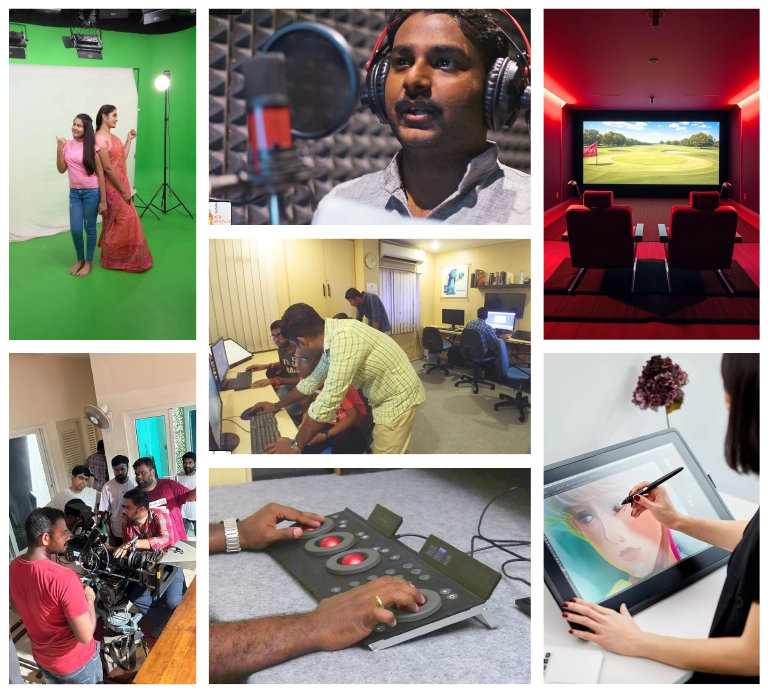
Professional YouTube Video Editing Studio Infrastructure

The Professional YouTube Video Editing Pipeline

Master the exact studio workflow from scene conceptualization to final retouching.

01
Scene
conceptualization
02
Lighting
Architecture
03
Professional
Capture
04
Post-Processing
Workflow
05
Production
Export
Expert Professional Roadmap

YouTube Video Editing Career Roadmap

01

Foundations

Gear & Optics

02

Manual Mode

ISO & Shutter Control

03

Composition

Framing & Perspective

04

Studio Light

Strobes & Modifiers

05

Retouching

Lightroom & Bridge

06

Portfolio

Professional Branding

Creator-Focused Curriculum

YouTube Editing Course Syllabus

4 Months Intensive
EMI: ₹12,500/Month
CBE Canada Certified
01

Phase 01: The Creator Foundation

Platform Overview, Content Trends & Editing Role

Module 01

YouTube Ecosystem

  • Overview of YouTube as a Platform
  • Understanding Content Trends & Niches
  • Types of YouTube Videos (Vlogs, Tutorials, etc.)
  • Role of a YouTube Video Editor
  • Monetization & Ad Guidelines
  • Channel Branding & Aesthetics
Module 02

Software Mastery

  • Adobe Premiere Pro Essentials
  • Final Cut Pro (FCP) Workflow
  • DaVinci Resolve for Color
  • CapCut for Quick Social Content
  • YouTube Studio Dashboard
  • TubeBuddy & VidIQ Tools
Module 03

Pre-Production Planning

  • Content Strategy & Audience Targeting
  • Video Scripting Techniques
  • Storyboarding for YouTube
  • Planning Visuals & Audio Assets
  • Organizing Production Workflow
  • Writing SEO-Friendly Scripts
02

Phase 02: Production Essentials

Shooting, Lighting & Audio Capture for Creators

Module 04

Camera & Composition

  • Camera Types & Recommendations
  • Framing & Composition for YouTube
  • Recording Formats & Resolutions
  • Using Green Screens & Backdrops
  • Best Practices for Solo Shoots
  • Mobile Filming Techniques
Module 05

Lighting & Studio Setup

  • Three-Point Lighting Setup
  • Indoor vs Outdoor Lighting
  • DIY Lighting Solutions
  • Creating a "Vlog" Look
  • Color Temperature & Skin Tones
  • Managing Reflections & Shadows
Module 06

Audio Engineering

  • Microphone Types (Lavalier, Shotgun)
  • Recording High-Quality Voiceovers
  • Managing Background Noise
  • Using External Recorders
  • Syncing Audio with Video
  • Mastering for YouTube Standards
03

Phase 03: Editing Fundamentals

Cutting for Engagement, Pacing & Storytelling

Module 07

The Edit Workflow

  • Importing & Organizing Footage
  • Timeline Basics & Trimming
  • Working with B-Roll & Cutaways
  • Jump Cuts & L-Cuts Mastery
  • Pacing for Audience Retention
  • Multi-Cam Editing for Podcasts
Module 08

Sound Design & Music

  • Adding Background Music
  • Using Sound Effects (SFX)
  • Audio Mixing & Leveling
  • Copyright-Free Music Sourcing
  • Ducking Music for Voice
  • Enhancing Audio with Plugins
Module 09

Visual Transitions

  • Standard Cuts vs Wipes & Fades
  • Digital Zoom & Pan Effects
  • Motion Blur Transitions
  • Seamless Masking Transitions
  • Using Presets vs Manual Edits
  • Split Screens & Zoom Effects
04

Phase 04: Advanced Post-Production

Motion Graphics, VFX & Color Grading

Module 10

Motion Graphics

  • Creating Intros & Outros
  • Lower Thirds & Social Callouts
  • Kinetic Typography & Animated Text
  • Logo Animation Techniques
  • Using After Effects for YouTube
  • Animated Info-Graphics
Module 11

VFX & Compositing

  • Chroma Keying (Green Screen)
  • Motion Tracking for Text
  • Masking & Rotoscoping Basics
  • Adding Particles & Overlays
  • Sky Replacement Techniques
  • Advanced Screen Replacement
Module 12

Color Grading Lab

  • Color Correction vs Grading
  • Using LUTs for Quick Looks
  • Skin Tone Correction
  • Color Matching Multi-Cam
  • Creating a "Vlog" Signature Look
  • Working with Scopes (Parade, Vector)
05

Phase 05: Optimization & Growth

SEO, Thumbnails & Analytics for Algorithm Mastery

Module 13

Thumbnail Design

  • High-CTR Thumbnail Strategy
  • Photoshop for Thumbnail Design
  • Typography & Color Psychology
  • Creating Emotional Faces/Expressions
  • Canva for Fast Turnaround
  • A/B Testing Thumbnails
Module 14

YouTube SEO Masterclass

  • Keyword Research for Titles
  • Writing Optimized Descriptions
  • Using Tags & Hashtags Properly
  • Adding Cards & End Screens
  • Captions & Subtitles (SRT)
  • Ranking in Suggested Videos
Module 15

Analytics & Strategy

  • Reading Retention Graphs
  • Understanding CTR & Watch Time
  • Audience Demographics & Interest
  • Improving Content via Feedback
  • Upload Consistency & Scheduling
  • Community Tab Engagement
06

Phase 06: Projects & Career

Real-World Assignments, Portfolio & Freelancing

Module 16

Niche-Specific Projects

  • Edit a Complete Travel Vlog
  • Edit an Educational/Explainer
  • Product Review & Unboxing Style
  • YouTube Shorts & Reels Editing
  • Reaction Video Setup
  • Gaming/Stream Highlight Edit
Module 17

Portfolio Building

  • Building a Showreel for YouTubers
  • Working with Agencies & Brands
  • Understanding Client Briefs
  • Setting Pricing for Projects
  • Freelance Pitching (Upwork/Fiverr)
  • Content Repurposing Specialist
Module 18

Placement Support

  • Resume & Channel Audit
  • Mock Interview Rounds
  • Connecting with Creator Networks
  • Internship Opportunities
  • Official Certification
  • Post-Course Mentorship

Industrial YouTube Video Editing Toolkit

Master the software used by professional retouching studios and commercial YouTube editors globally.

Lightroom

Adobe Lightroom

The industry standard for mass RAW development and professional color grading.

Photoshop

Adobe Photoshop

Advanced raster editing for high-end frequency separation and image manipulation.

Capture One

Capture One Pro

Professional tethered shooting and superior RAW processing used in high-end fashion.

Bridge

Adobe Bridge

Powerful asset management for quick batching and digital asset ingestion.

Adobe Premiere Pro

Adobe Premiere Pro

Industry-leading timeline-based video editing tool for professional YouTube productions.

DaVinci Resolve

DaVinci Resolve

Hollywood-grade color correction, audio mixing, and visual effects for cinematic content.

Final Cut Pro

Final Cut Pro

Apple's pro-grade magnetic timeline editor built for blazing-fast Mac-based workflows.
Adobe After Effects

Adobe After Effects

Motion graphics and visual effects compositing for stunning YouTube intros and animations.

Master Gen-AI Tools

Leverage cutting-edge AI software to automate and enhance your professional YouTube video editing workflow.

Adobe Firefly

Adobe Firefly

Generative Fill & Content Expansion

Topaz Photo AI

Topaz Photo AI

AI Denoise & Hi-Res Upscaling

Luminar Neo

Luminar Neo

AI Sky Swap & Portrait Relighting

Midjourney

Midjourney

Moodboarding & Concept Creation

The Complete YouTube Video Editing Stack

Learn 10+ professional tools used in daily studio production.

Adobe LR CC Phocus (Hasselblad) ColorChecker Passport X-Rite i1Profiler Topaz AI Sharpen Nik Collection
Industry-Integrated Certification

Professional YouTube Video Editing Certification

Earn the CBE Canada Globally Certified professional credential — validated by top studios and branding agencies world-wide.

CBE Canada Professional Certificate

  • Internationally recognized accreditation
  • Valid across 30+ countries globally
  • Accepted by Advertising & Media Studios

What it Validates

  • Advanced Manual Controls & Optics
  • Studio Strobe Architecture
  • Professional RAW Development
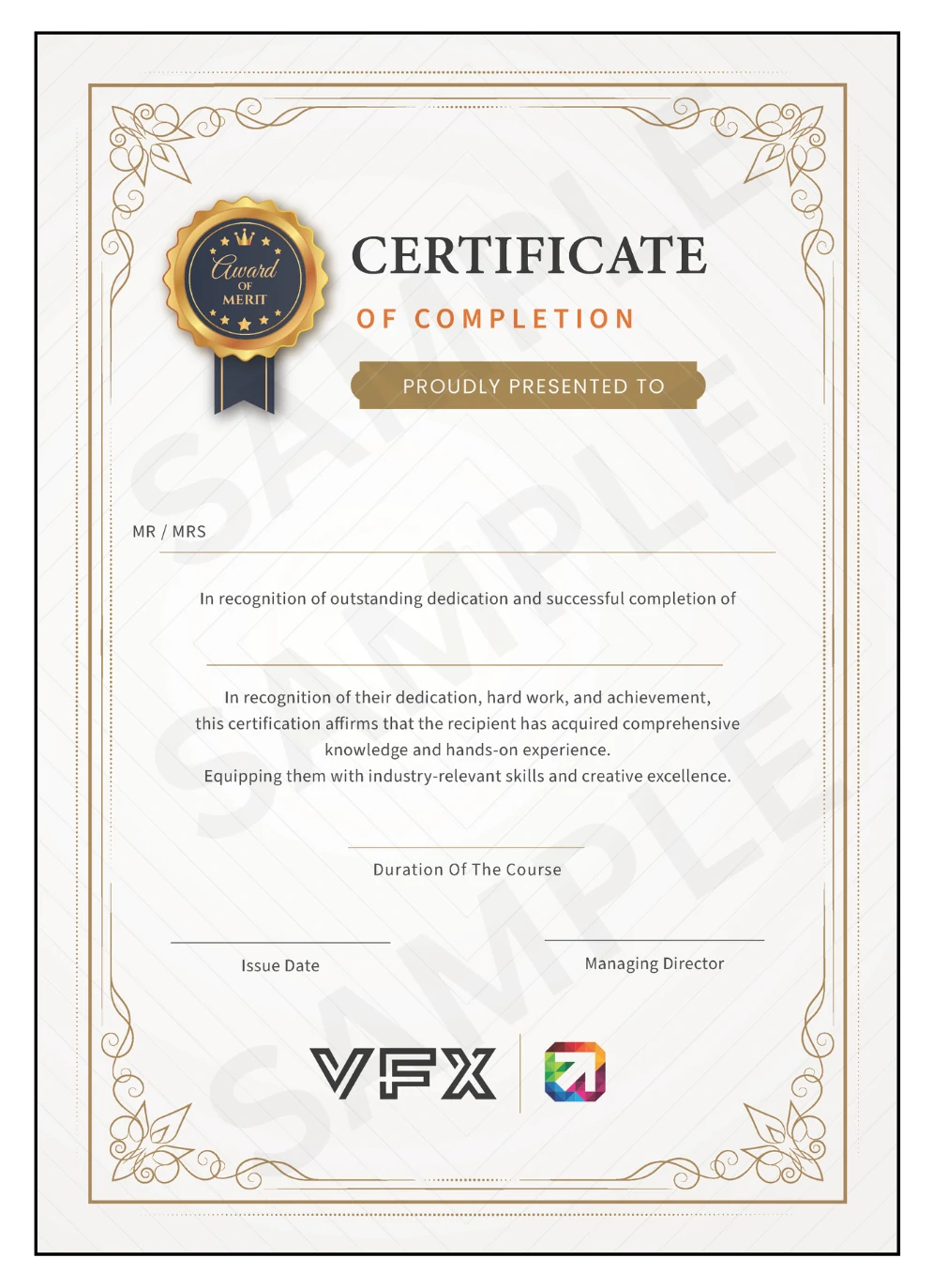
YouTube Video Editing Certification

YouTube Video Editing Masterclass Certificate
CBE Canada Globally Certified

Portfolio Support

  • High-End Studio Portfolio
  • Online Gallery Showcase
  • Commercial Internship Letters

Lifetime Alumni Perks

  • Professional Studio ID Card
  • Global Networking Events
  • Lifetime Skill Upgrades
Globally Recognized Accreditation | Film Editing Course | VFX India
VFX India Logo

Globally Recognized Accreditation

Our courses are certified by CBEC Canada — trusted across 30+ countries for maintaining world-class professional education standards.

ABOUT ACCREDITATION

The Power of CBE Canada

  • ✔ Trusted Canadian Certification Body
  • ✔ Active in 30+ Countries Worldwide
  • ✔ 50,000+ Students Impacted Annually
Our Vision

Setting global benchmarks in innovation and lifelong learning.

Our Mission

Delivering elite certifications with leading global institutions.

STUDENT ADVANTAGE
🌍
Global Credibility

Earn a certificate that is respected by studios across the globe.

📈
Industry Standards

Training programs mapped to ISO quality benchmarks.

🎓
Career Growth

Higher employability rates for students with international credentials.

Master the Visual Space

YouTube Video Editing Career Opportunities

Digital YouTube video editing is the core of modern advertising and media. From high-fashion editorial to e-commerce catalogs, the demand for certified professional YouTube editors is skyrocketing.

10+Career Pathes
₹20L+Top Annual Salary
500+Hiring Partners

Fashion YouTube editor

₹5L – 12L / year

Shooting high-end editorial series for magazines and clothing brands.

Product & E-Commerce

₹4L – 9L / year

Capturing high-resolution assets for Amazon, Myntra, and top retail platforms.

High-End Digital Retoucher

₹6L – 15L / year

Specialized in frequency separation and non-destructive color grading.

Commercial Studio Manager

₹8L – 18L / year

Managing large-scale production studios and creative lighting pipelines.

Wedding & Event Artist

₹4L – 10L / year

Directing lifestyle ceremonial shoots and luxury destination weddings.

Architectural Specialist

₹5L – 12L / year

Capturing high-end luxury interiors and structural heritage properties.

Food & Product Stylist

₹6L – 14L / year

Creating visually appetizing commercial assets for restaurants and cookbooks.

Wildlife & Travel Lead

₹4L – 8L / year

Professional editorial work for travel journals and documentary media.

Top Hiring Agencies & Brands

Ogilvy & Mather
WPP Global
JWT
Reliance Media
Tata Cliq
Amazon India
Career Launchpad

Placement Assistance

We connect you with high-end commercial studios and branding agencies globally. Our placement cell ensures your portfolio reaches the right creative directors.

Industry Network

Direct referral to top fashion & e-com studios.

Mock Reviews

Industrial expert feedback on your portfolio.

50+ Partner Agencies

Access to major media houses and retail branding studios.

95% Placement Rate

Our graduates work with top-tier commercial YouTube editors.

Our Studio Network
Partner 1
Partner 2
Partner 3
Partner 4
Partner 5
Partner 6
Partner 7
Partner 8
Partner 9
Partner 10
Partner 1
Partner 2
Partner 3
Partner 4
Partner 5
Partner 6
Partner 7
Partner 8
Partner 9
Partner 10

YouTube Video Editing Fee Structure
& Admission Process

Start your professional YouTube video editing career with our transparent and student-friendly enrollment system.

01

Career Consultation

Discuss your studio goals with celebrity YouTube video editing mentors.

02

Portfolio / Gear Audit

Review your existing gear and creative vision with our experts.

03

Flexible EMI Setup

Instant approval for 3-month easy installment plans.

04

Studio Induction

Get your ID card, gear locker, and digital asset library access.

₹50,000 / Course

Special 2026 Batch Enrollment Fee

Interest-Free EMI Plan
₹12,500 / Month

Duration: 4 Months Installment Plan

  • 100% Studio Placement Hub
  • CBE Canada Verified Course
  • 24/7 Professional Studio Lab Access

Clip, Brand, and Explore the Power of YouTube Content Creation.

Call Now
Download Brochure
YouTube Video Editing Masterclass Schedule

Upcoming YouTube Video Editing Batches

Choose a schedule that perfectly fits your creative pace. We offer flexible timings for hobbyists and professionals.

Batch Type Schedule Best For Action
Weekday Morning
Mon – Fri
10:30 AM – 1:30 PM
Full-time students, Graduates Enroll Now
Weekday Evening
Mon – Fri
6:00 PM – 9:00 PM
Working professionals, Designers Enroll Now
Weekend Intensive
Sat – Sun
10:00 AM – 4:00 PM
Hobbyists, Corporate employees Enroll Now
Live Online
Flexible Timings
Interactive Expert Sessions
Global learners, Outstation students Enroll Now
Student Reviews

Success Stories from
The Next Gen Creators

Hear how our graduates transformed their passion for video into professional careers working with top YouTubers and brands.

"The Retention Editing modules are absolute game-changers. I learned how to hook viewers in the first 5 seconds and keep them watching. Now I'm editing for a channel with 2M+ subs!"

AV

Amit Verma

Content Editor @ Mumbai

"The storytelling techniques I learned here helped me transition from a hobbyist to a professional. The focus on YouTube-specific workflows and SEO is exactly what the industry needs."

SJ

Saranya J.

Freelance YouTube Strategist

"Mastering DaVinci Resolve and After Effects for YouTube was my goal. VFX India provided the perfect hands-on environment. My portfolio now looks like it belongs on a top-tier channel."

RK

Rahul Kapoor

Motion Graphics Artist @ Creators Lab

"The mentorship is outstanding. They don't just teach software; they teach the 'why' behind every cut. My audience retention has jumped from 30% to over 60% after applying these skills."

PN

Priya Nair

Travel Vlogger & Editor

"From sound design to color grading, every module is tailored for the platform. The placement support helped me land a job with a top digital media agency within weeks of finishing."

MD

Mohit Das

Lead Editor @ Digital Pulse

"If you want to make it on YouTube, this is the course. The real-world projects and channel audits were eye-opening. I now feel confident handling any type of content."

SA

Sneha A.

YouTube Channel Manager

YouTube Editing Expert FAQs

Everything you need to know about mastering the YouTube algorithm and high-retention editing.

What is covered in the YouTube Video Editing Course?
Our course covers everything needed to become a professional YouTube editor. You will learn Adobe Premiere Pro, Final Cut Pro, and DaVinci Resolve, along with techniques in color grading, audio mixing, motion graphics, and special effects. We also focus on YouTube-specific skills like video optimization, thumbnail design, and channel analytics.
Do I need prior experience to enroll?
No prior experience is required. Our classes are designed for beginners and aspiring creators. The course starts with the fundamentals and gradually advances to complex techniques, ensuring you gain hands-on experience regardless of your background.
How long is the YouTube Video Editing Training?
The duration of our intensive program is 4 months. This allows ample time to learn the tools, work on real projects, and build a professional portfolio of high-retention content.
What are the career prospects after completing this course?
You can pursue a career as a freelance YouTube video editor, or work with content creators, influencers, and digital marketing agencies. There is a massive demand for editors who specialize in engagement-focused content and algorithm optimization.
Is this course suitable for current YouTubers?
Yes! The course is perfect for YouTubers looking to elevate their production quality. You will learn to create captivating thumbnails, master "hooks" and pacing to improve watch time, and use advanced VFX to make your content stand out.
What software do I need for the course?
We train you on industry-standard tools: Adobe Premiere Pro, Final Cut Pro, and DaVinci Resolve. We provide the necessary resources and high-performance systems in our labs, so you don't need to purchase them immediately.
Will I receive global certification?
Yes, upon successful completion, you will receive a CBE Canada Globally Accredited Certification. This credential is recognized internationally and proves your proficiency in professional video editing standards.
Is there post-course support for placements?
Absolutely. We offer continued support, including portfolio audits, client-finding strategies, and connections with our hiring partners. Our team stays with you as you launch your career in the creator economy.
YouTube Video Editing Course Chennai Learn Premiere Pro for YouTube Retention Editing Training YouTube SEO & Growth Classes VFX for YouTubers
Enroll Now | Professional YouTube Video Editing Course in Chennai | VFX India
Enrollments Open — 2026 Batch

Master the Art of
Professional YouTube Video Editing

Join VFX India's Master YouTube Video Editing Course and master Retention Editing, Viral Storytelling & Professional Composition. Graduate with a production-ready portfolio and CBE Canada Certification.

Enroll Now — 2026 Free Demo Session

Call Us

+91-97514 59041

Email Us

info@vfxindia.in

Visit Us

Chennai, Tamil Nadu
VFX India

Learn – Design – Create

Address:

4, 5, Inner Ring Rd, Senthil Nagar, Annai Sathya Nagar, Arumbakkam, Chennai, Tamil Nadu 600106

Call: +91-97514 59041, +91-78456 54565

Email: info@vfxindia.in

Offline Courses

  • Graphic Design Course
  • UI / UX Design Course
  • Video Editing Course
  • App Development Course
  • Web Design Course
  • VFX Course
  • Digital Marketing Course

Online Courses

  • Ai Graphic Design Course
  • UI / UX Design Course
  • Video Editing Courses
  • Web Design Course
  • App Development Course
  • Game Design Course
  • Digital Marketing Course

About Us

  • Home
  • About Us
  • Blogs & Articles
  • All Courses
  • Appointment Form
  • Sign In/Registration

Our Policies

  • FAQ's
  • Privacy Policy
  • Terms & Conditions
  • Contact Us
  • Careers

Copyright © VFX | All Rights Reserved

Login
Use Phone Number
Use Email Address
Not a member yet? Register Now
Reset Password
Use Phone Number
Use Email Address
Register
Use Phone Number
Use Email Address
Already a member? Login Now
vfx logoWELCOME To VFX
Sign inSign up

Sign in

Don’t have an account? Sign up
Lost your password?

Sign up

Already have an account? Sign in

WELCOME To VFX

Typically replies within minutes

Hi! Welcome to VFX India 🎬
Thank you for contacting us. Please let us know which course you're interested in. Our team will get back to you shortly with all the details.

WhatsApp Us

🟢 Online | Privacy policy

Enquire Now