





Skip to content
🎓 Explore Career Ready Courses in Media Design 🔥 Admissions Open for July 2026 — Enroll Now! 💡 New: AI-Powered Courses in VFX, Design & Film Editing 🏆 100% Placement Assistance | Industry-Ready Training
Login/Register Call: 78-4565-4565 Email: info@vfxindia.in
VFX India
  • Online Course
    Design & Creative Arts
    Graphic Design Course AI Graphic Design Course Print Graphic Design Course Adobe Illustrator Course Adobe InDesign Course Adobe Photoshop Course Advertising Design Course UI UX Design Course Visual Design Course
    Video Editing & Film
    Adobe After Effects Course DaVinci Resolve Course Film Color Grading Course Film Editing Course Final Cut Pro (FCP) Course Video Editing Course
    Web & App Development
    App Development Course Web Design Course Web Development Course WordPress Course
    Game Development
    Game Design Course
    Animation & VFX
    Blender Course Multimedia Course Visual Effects (VFX) Course
    Marketing & SEO
    Digital Marketing Course SEO Course
  • Offline Courses
    Design & Creative Arts
    Advertising Graphic Design Graphic Design Course AI Graphic Design Course InDesign Course Illustrator Course Photoshop Course Print Media Design UI UX Course Visual Communication
    Game Development
    Game Development Course Game Design Course
    Animation & VFX
    3D Animation Course 3D Dynamics Course 3D Stereoscopic Filmmaking Blender Course Houdini Course Motion Graphics Course Match Moving Course Matte Painting Course Multimedia Course Rotoscoping Course VFX Course
    Video Editing & Film
    After Effects Course DaVinci Resolve Course Film Color Grading Film Editing Course Video Editing Course FCP Course YouTube Editing Course
    Photography & Digital Media
    Digital Photography Course E-Publishing Course
    Web & App Development
    App Development Course Web Design Course Web Development Course WordPress Course
    Marketing, SEO & E-Commerce
    Digital Marketing Course E-Commerce Course Off Page SEO Course On Page SEO Course SEO Course Technical SEO Course
    AI Media Course
    AI Advertising Course AI Animation Course AI Film Editing Course AI Film Making Course AI Graphic Design Course AI UI UX Design Course AI VFX Course AI Video Editing Course AI Web Design & Dev
    Master & Diploma Courses
    Apple Creator Studio Master Visual Media & DI
  • Short Courses
  • Resources
    About Us Blogs Career Hub Infrastructure
  • Contact Us
0 Enroll Now
VFX India
Online Course
Design & Creative Arts
Graphic DesignAI Graphic DesignPrint Graphic DesignAdobe IllustratorAdobe InDesignAdobe PhotoshopAdvertising DesignUI UX DesignVisual Design
Video Editing & Film
After EffectsDaVinci ResolveFilm Color GradingFilm EditingFinal Cut ProVideo Editing
Animation & VFX
BlenderMultimediaVFX Course
Web & App Development
App DevelopmentWeb DesignWeb DevelopmentWordPress
Game Development
Game Design
Marketing & SEO
Digital MarketingSEO Course
Offline Courses
Design & Creative Arts
Advertising Graphic DesignGraphic DesignInDesignIllustratorPhotoshopPrint Media DesignUI UXVisual Communication
Animation & VFX
3D Animation3D Dynamics3D Stereoscopic FilmmakingBlenderHoudiniMotion GraphicsMatch MovingMatte PaintingMultimediaRotoscopingVFX
Video Editing & Film
After EffectsDaVinci ResolveFilm Color GradingFilm EditingVideo EditingFCPYouTube Editing
Web & App Development
App DevelopmentWeb DesignWeb DevelopmentWordPress
Marketing, SEO & E-Commerce
Digital MarketingE-CommerceOff Page SEOOn Page SEOSEOTechnical SEO
Game Development
Game DevelopmentGame Design
Photography & Digital Media
Digital PhotographyE-Publishing
AI Media Course
AI AdvertisingAI AnimationAI Film EditingAI Film MakingAI Graphic DesignAI UI UX DesignAI VFXAI Video EditingAI Web Design & Dev
Master & Diploma
Apple Creator StudioMaster Program in Visual Media & DI
Short Courses
Resources
About UsBlogsCareer HubInfrastructure
Contact Us
Chat on WhatsApp
fcp course
Hero-Shape-1

Home » FCP Courses

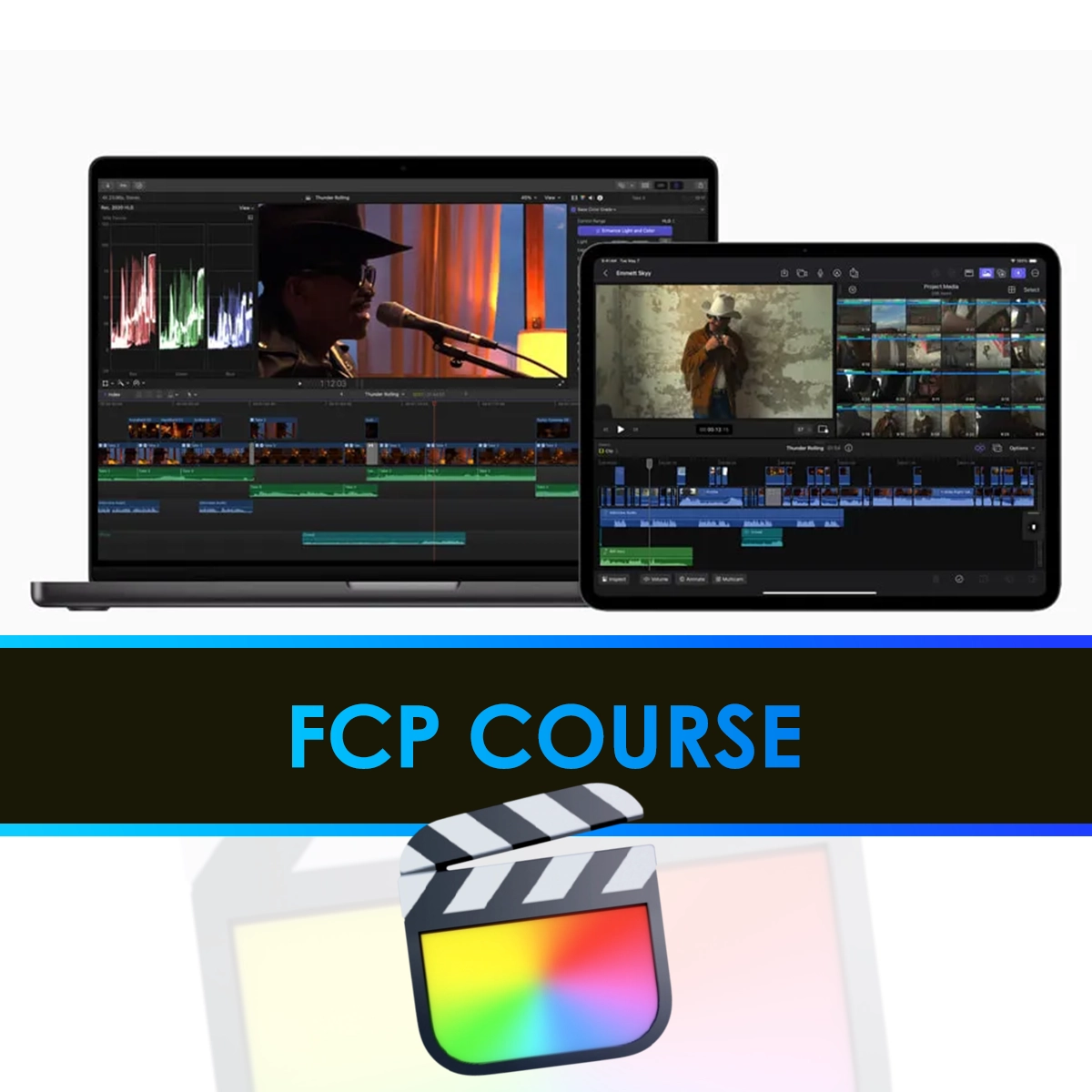
Learn Final Cut Pro in Chennai – Expert-Led Classes with Expert Tools

Become a Pro Video Editor with Final Cut Pro at VFX. Master hands-on editing, color grading, effects, and audio techniques using industry-standard tools. Learn real-world skills to launch your career in film, TV, and digital media.

View All Courses
fcp course
Hero-Shape-2
Hero-Shape-1
Top Media Instructors
19+ Years
of Expertise
K
STUDENTS ENROLLED
K
CLASS COMPLETED
%
JOB PLACEMENT
+
YEARS OF EXPERTISE

2008

TRUSTED SINCE
About Shape 4
Hero-Shape-1
shape-07
fcp course
fcp course

Why Choose Our Final Cut Pro Course?

Learn from Industry Experts, Master Final Cut Pro, and Build a Professional Portfolio with Hands-on Training. Our Final Cut Pro Course Offers Real-World Projects, Expert Mentorship, and Placement Support, Equipping You with the Skills Needed to Excel in Film, TV, and Digital Media Editing. Transform Your Storytelling Abilities with Cutting-Edge Tools and Elevate Your Career to New Heights.

  • Expert-Led Training
  • Real-World Projects
  • Flexible Learning at Your Own Pace
  • Access to Industry Standard Tools
  • Job Placement Assistance
  • One-on-One Personalized Learning
  • Official Course Certificate
  • Affordable Fees at EMI
  • 5000+ Hiring Companies
  • Scholarship Facility
Get Start Today

Why Choose Final Cut Pro Courses At VFX

VFX Offers Expert-Led Final Cut Pro Courses That Combine Industry-Standard Tools, Real-World Editing Projects, and Hands-On Training. With a Comprehensive Curriculum and Professional Mentorship, You’ll Master Video Editing, Color Grading, Motion Graphics, and Audio Post-Production — Building a Studio-Ready Portfolio and Gaining the Skills to Work in Film, TV, Advertising, and Digital Media Industries.

Industry-Relevant Curriculum

Master Video Editing Techniques with Final Cut Pro, Adobe Premiere Pro, and DaVinci Resolve in Our Professional Video Editing.

Expert Faculty with Industry Experience

Receive Mentorship from Professional Editors Who’ve Worked on Real-World Film, TV, and Digital Content Using Final Cut Pro and Other Industry Tools.

Hands-On Projects & Live Assignments

Build a Studio-Ready Portfolio Featuring Short Films, Promo Videos, YouTube Edits, and Corporate Video Projects in Our Final Cut Pro Course.

Career Support & Freelancing

Kickstart Your Career with Expert Guidance, Freelance Readiness, Hands-On Training, and Portfolio Reviews in Our Final Cut Pro Training Program.

Schedule a Callback

Please enable JavaScript in your browser to complete this form.
option *
Loading

FCP Course in Chennai

final cut pro training

Are you passionate about video editing and ready to transform your creative vision into professional grade content with Final Cut Pro?

Transform your video editing skills with VFX’s personalized one-on-one Final Cut Pro training. Backed by 19 years of media experience, we equip you with the tools and knowledge to create professional-level content.

Hero Shape 59
shape-76
shape-76

Key Skills You’ll Gain in Our FCP Editing Course

Our final cut pro course offers a well-rounded curriculum that covers

Introduction to Final Cut Pro

Learn the basics of Final Cut Pro, including the interface, tools, and essential editing functions to get started.

Audio Editing & Mixing

Gain proficiency in editing and mixing audio, ensuring your sound perfectly complements your visuals for a professional outcome.

Transitions & Effects

Discover how to apply dynamic transitions and special effects to enhance the flow and visual appeal of your projects.

Advanced Editing Techniques

Dive into advanced techniques such as motion graphics, green screen compositing, and keyframing to elevate your editing skills.

Live Industry Projects & Final Project

Work on live industry-based projects, gaining real-world experience and applying your skills. Your final project will showcase your editing expertise, preparing you for professional work in the industry.

Video Editing Fundamentals

Master key editing techniques such as cutting, trimming, and sequencing clips to build smooth, engaging narratives.

Color Grading & Correction

Learn how to adjust colors and tones, bringing your footage to life with cinematic quality and visual impact.

Multi-Camera Editing

Understand how to efficiently edit multi-camera footage, syncing different angles to create cohesive storytelling.

Exporting & Optimization

Learn how to export projects for various platforms, ensuring they are optimized for quality and file size across web, TV, and film.

Collaborative Group Project

Collaborate with peers on a group project, simulating a professional production environment. This will help you refine your teamwork and problem-solving skills while working on a comprehensive video project.

to start your journey with our comprehensive Final cut pro training and turn your creative ideas into digital success

Facts

Why Learn Final Cut Pro ?​

Learning Final Cut Pro is essential for anyone looking to excel in video editing, whether for film, TV, or online content. As an industry-standard software, Final Cut Pro offers powerful tools and features that allow you to edit, color grade, mix audio, and apply effects with precision and ease. It’s designed to streamline workflows, making the editing process faster and more efficient, even with complex projects. Whether you’re a beginner or an experienced editor, mastering Final Cut Pro gives you a competitive edge in the creative industry. Its advanced capabilities, such as multi-camera editing, motion graphics, and seamless integration with other Apple software, make it the go-to choice for professional editors. By learning Final Cut Pro, you’ll be able to create high-quality, polished content that meets industry standards, setting you up for success in various video editing roles.

fcp training

FCP Course Syllabus with Real World Projects & Tools

Introduction to Final Cut Pro

  • Overview of Final Cut Pro software and interface

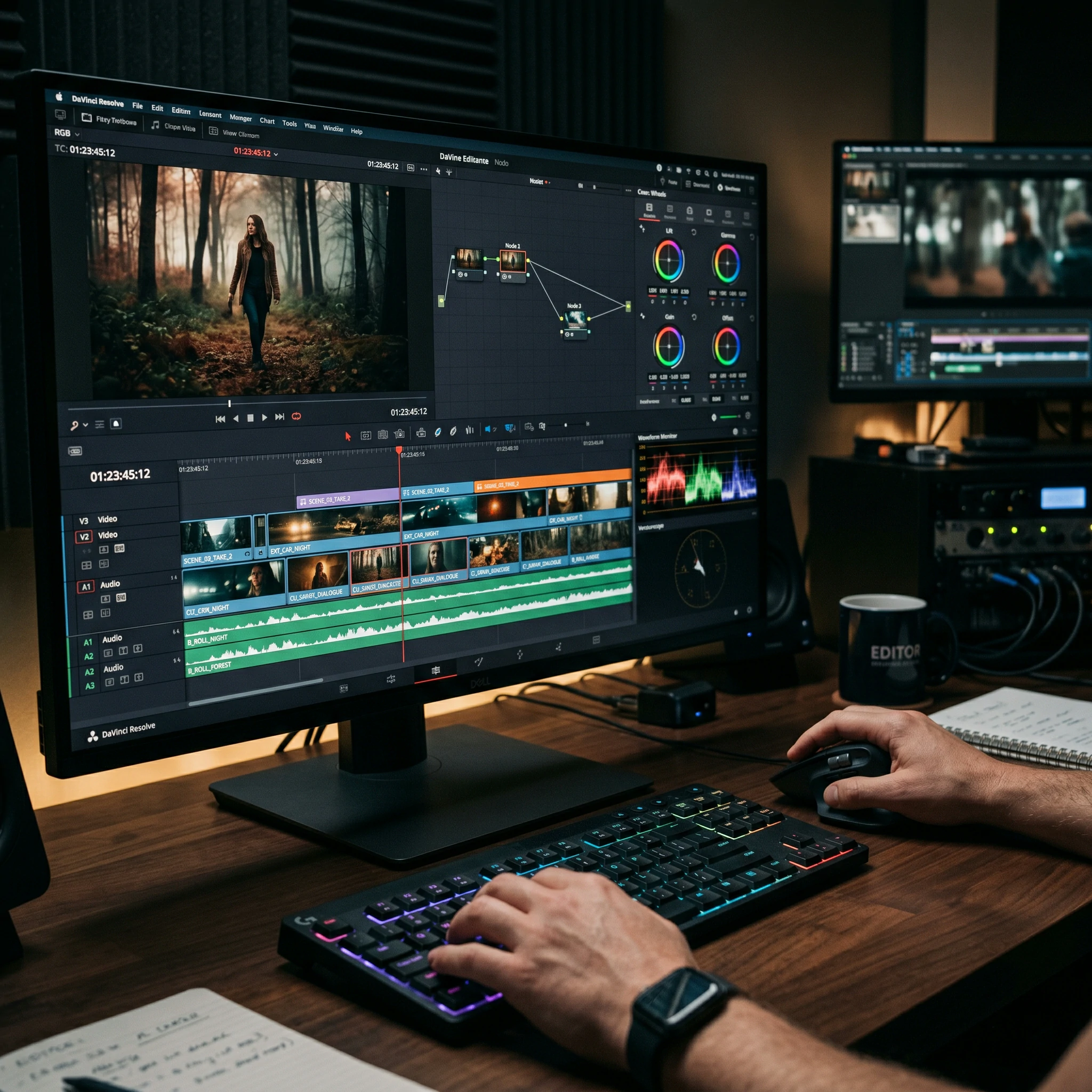
  • Introduction to the workspace (Timeline, Browser, Viewer, Inspector)

  • Setting up a new project and understanding project settings

  • Navigating the Media Library and Importing Media

  • Basics of non-linear editing (NLE)

Basic Editing Techniques

  • Trimming clips and working with the blade tool

  • Using the magnetic timeline and basic editing tools

  • Moving, arranging, and organizing clips

  • Working with multiple video and audio tracks

  • Introduction to basic transitions (cuts, fades, dissolves)

Working with Audio

  • Importing and syncing audio with video clips

  • Audio editing tools: adjusting volume, fades, and equalization

  • Keyframes and automating audio levels

  • Noise reduction techniques and audio enhancement

  • Working with background music and sound effects

  •  

Transitions, Effects, and Keyframing

  • Applying and customizing transitions between clips

  • Using built-in effects (color correction, filters, etc.)

  • Introduction to keyframes for controlling video and audio properties

  • Creating dynamic motion graphics with keyframes

  • Using the Effects Browser for advanced visual effects

  •  

Color Correction and Grading

  • Basic color correction: exposure, contrast, and white balance

  • Introduction to the Color Board for color grading

  • Using LUTs (Look-Up Tables) for stylized color grading

  • Masking and isolating areas of the frame for targeted color grading

  • Advanced color grading techniques with the Color Wheels and Curves

  •  

Advanced Editing and Techniques

  • Multi-cam editing: synchronizing and editing multi-camera projects

  • Working with nested timelines and compound clips

  • Advanced trimming techniques (slip, slide, ripple edit)

  • Creating complex transitions and animations with motion graphics

  • Using advanced keyframe animation for video and effects

  •  

Motion Graphics With After Effects

  • Introduction to After Effects (for creating custom motion graphics)
  • Creating 2D and 3D animations in After Effects
  • Exporting Motion graphics Contents to Final Cut Pro
  • Working with text animation and lower thirds
  • Using motion graphics for dynamic intros and effects

Exporting and Finalizing Projects

  • Export settings: codecs, resolutions, and file types

  • Exporting video for web, broadcast, and different platforms

  • Using Compressor for batch exporting

  • Optimizing export settings for YouTube, Vimeo, and social media

  • Final quality checks and rendering settings

Collaborative Workflow and Team Editing

  • Sharing projects and collaborating with team members

  • Using Libraries and shared storage for collaboration

  • Exporting XML for integration with other applications

  • Working with Final Cut Pro on multiple devices

  • Collaborative workflows using cloud-based services

Advanced Audio Post-Production

  • Using third-party plugins for advanced audio effects

  • Working with surround sound in Final Cut Pro

  • Advanced sound design and mixing techniques

  • Automating audio filters and effects for dynamic changes

  • Synchronizing audio from external sources

Final Project and Review

  • Students create a final project incorporating the skills learned

  • Individual project review and critique

  • Advanced techniques review for final project refinement

  • Troubleshooting common issues in video editing

  • Preparing the final video for professional presentation

Conclusion and Final Exam

  • Review of key tools and techniques in Final Cut Pro

  • Final Exam to assess practical and theoretical knowledge

  • Certificate of Completion (if applicable)

  • Post-course resources and continuing education options

Experience our Infrastructure

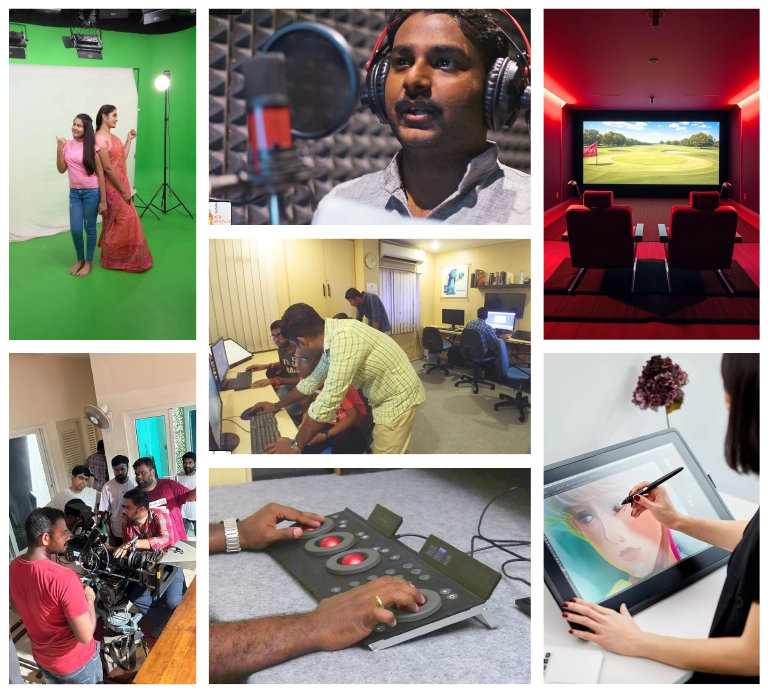
Studio Style Learning with VFX

At VFX, Characters Don’t Just Move — They Come Alive

Batch Sizes Limited to Ensure 1 On 1 Attention
Instructors with 10+ Years of Experience in the Animation Industry
24/7 Student Support With Mentoring and Career Advice
Updated Syllabus Aligned With 2025 Industry Trends

Learn Video Editing the Way It’s Done in the Real World. Each project simulates actual post-production workflows from raw footage import, clip trimming, color correction, and sound mixing to transitions and final exports. You’ll sharpen your skills with live feedback sessions, peer reviews, and expert guidance from seasoned professionals. Master the full video editing process from start to final cut using industry standard tools in Final Cut Pro.

Studio Style Learning with VFX
Expert Instructors

Learn from the Best

Expert Instructors & Flexible Learning at Your Fingertips

Meet Our Expert Instructors:

Learn from seasoned video editors and post-production professionals with real-world experience using Final Cut Pro for filmmaking, YouTube content creation, and commercial editing. Our instructors provide hands-on guidance and mentorship to help you master advanced editing workflows, visual effects, color correction, and audio syncing to elevate your editing career.

Flexible Learning Options:

Weekday Batches

Morning and evening sessions.

Online Classes

Live instructor-led sessions.

Weekend Batches

For working professionals.

Offline Classes

At our Chennai campus.

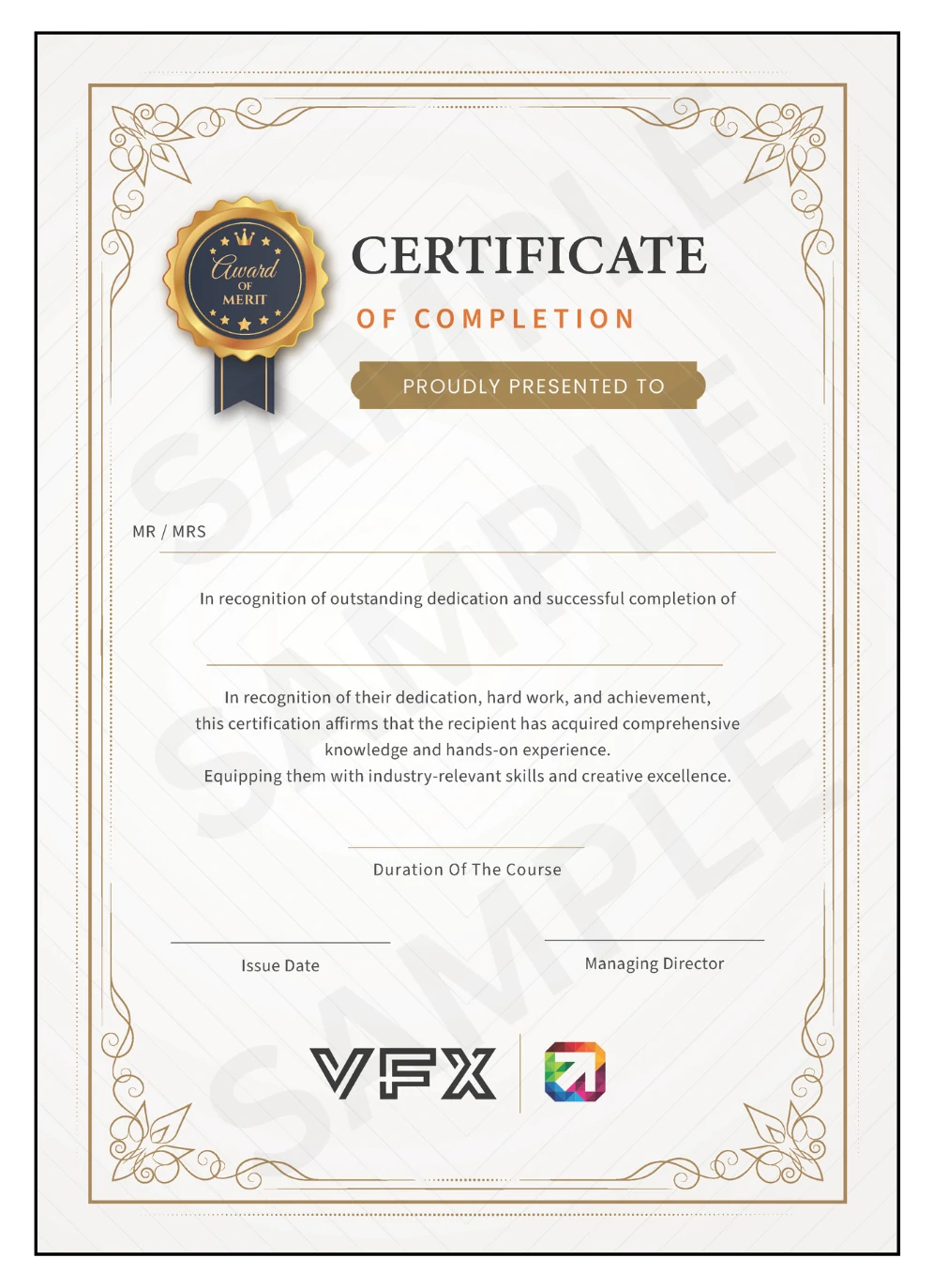
Professional Final Cut Pro Course Certification
Globally Recognized Accreditation

Professional Final Cut Pro Course Certification

Upon successful completion of the Professional Final Cut Pro Course at VFX India, you will receive a CBE Canada Globally Certified professional certificate — recognized by top employers across India, Middle East, Southeast Asia, and beyond.

CBE Canada Professional Certificate

  • Internationally recognized accreditation
  • Valid across 30+ countries globally
  • Accepted by production houses, broadcast studios & post-production facilities
  • Verifiable certificate with unique credential ID

What the Certificate Validates

  • Video Editing & Assembly: Professional Timeline Editing, Multicam & Magnetic Timeline Workflows
  • Color Grading: Advanced Color Wheels, Color Curves, HDR Grading & LUT Application
  • Audio Post-Production: Sound Mixing, Noise Reduction, Audio Effects & Voiceover Sync
  • Motion Graphics & Titles: Animated Text, Transitions, Generators & Keyframe Animation
  • Export & Delivery: Compressor Workflows, Codec Optimization & Platform-Specific Output

Portfolio & Project Certification

In addition to the academic certificate, you also receive:

  • Professional Video Editing Portfolio showcasing your best short films, promos & edited sequences
  • YouTube/Vimeo Channel setup to display your creative video editing projects
  • Project Completion Letters for major client-simulated video editing & post-production projects
Professional Final Cut Pro Course Certification

How Certification Boosts Your Career

  • Increases credibility with employers
  • Validates Final Cut Pro proficiency
  • Enhances freelance video editing & post-production profiles
  • Stands out from self-taught editors
Get Certified → Enroll Now
Globally Recognized Accreditation | Film Editing Course | VFX India
VFX India Logo

Globally Recognized Accreditation

Our courses are certified by CBEC Canada — trusted across 30+ countries for maintaining world-class professional education standards.

ABOUT ACCREDITATION

The Power of CBE Canada

  • ✔ Trusted Canadian Certification Body
  • ✔ Active in 30+ Countries Worldwide
  • ✔ 50,000+ Students Impacted Annually
Our Vision

Setting global benchmarks in innovation and lifelong learning.

Our Mission

Delivering elite certifications with leading global institutions.

STUDENT ADVANTAGE
🌍
Global Credibility

Earn a certificate that is respected by studios across the globe.

📈
Industry Standards

Training programs mapped to ISO quality benchmarks.

🎓
Career Growth

Higher employability rates for students with international credentials.

OUR FINAL CUT PRO COURSE BENEFITS & OUTCOMES

Learning Final Cut Pro at VFX Institute offers the perfect blend of video editing and professional training. VFX Institute specializes in teaching industry-standard tools like Final Cut Pro, providing students with hands on experience in video editing, color grading, and visual effects.

By studying here, you’ll gain valuable skills that prepare you for a career in film, television, or digital media production. The expert instructors and practical approach at Our institution ensure you’re equipped with the knowledge and experience needed to excel in the competitive post production industry.

Final Cut Pro Course Fees Structure

Professional FCP Course

₨ 50000 4 Month EMI
Join Now
  • Expert Led Training
  • Real World Projects
  • One-on-One Personalized Learning
  • Learn Professional Tools like Final Cut Pro, Adobe Premiere Pro, DaVinci Resolve, After Effects, Motion, Logic Pro, and Audition to Edit, Grade, Enhance, and Deliver Broadcast-Quality Video and Audio for Film, TV, and Digital Media.
  • Course Duration- 4 Months
  • Weekday Batches: Monday, Wednesday, Friday (10:00 AM - 7:00 PM)
  • Weekend Batches: Saturday, Sunday (10:00 AM - 1:00 PM)
E.mail:

info@vfxindia.in

or

Call Us:

+91-97514 59041

+91-78456 54565

Placement Guidance​

Our Placement Guidance Is Designed To Connect You With Leading Post-Production Studios, Film Houses, And Media Companies Seeking Skilled Video Editors Proficient In Final Cut Pro.

How We Prepare You for Success

  • Learn From Certified Final Cut Pro Professionals In Chennai
  • Work On Live Editing Projects Including Short Films, Music Videos, And Advertisements
  • Build A Professional Showreel Showcasing Your Editing, Transitions, And Color Grading Skills
  • Get Personalized Feedback To Enhance Your Storytelling, Timing, And Workflow Efficiency
  • Attend HR, Technical, And Creative Editing Mock Interview Sessions
  • Receive Tailored Job & Freelance Placement Opportunities With Top Media & Production Studios
Enroll now
OUR RECRUITERS

Secure your Future with Our Recruiters

Your dream job is closer than you think — We make you Equipped enough to get you there sooner.

Placement - TCS
Placement - Infosys
Placement - Wipro
Placement - HCL
Placement - Tech Mahindra
Placement - Cognizant
Placement - Accenture
Placement - Zoho
Placement - Zee
placement-star vijay
placement-suntv
placement-puthiyathalamuri
placement-polimernews
placement-thanthinews
placement-kaliagarnews
placement-prime focus technologies
placement-reliance
placement-prana
placement-phantomfx
placement-green gold

Edit, Produce, and Explore the Power of Apple’s Video Tools.

Call Now
Download Brochure

Students Testimonials

Our alumni share stories of growth, transformation, and the lifelong impact of their journey with us.

arjun
Arjun Film Editor

The Video Editing Course at Vfx, Chennai Was Amazing! The Trainers Are Patient, Knowledgeable, and Made Learning so Easy. I Went From a Beginner to Confidently Editing Videos in Just a Few Weeks. Highly Recommended

Priya N
Priya N Technical Focus

The Video Editing Course at Vfx, Chennai Exceeded My Expectations! The Trainers Not Only Know Their Craft but Also Know How to Teach It in a Simple, Engaging Way. I Was Editing Confidently in No Time. Definitely the Place to Learn Video Editing!

Karthik
Karthik Sound Editor

The Video Editing Course at Vfx, Chennai Was Fantastic! The Teaching Was Clear, and the Hands-on Projects Made Learning Fun. I Now Feel Confident Working on Real Edits

krishna
krishna Assistant Editor

Before Vfx, Editing Felt Too Complicated. This Course Broke Everything Down Step-by-step and Gave Me the Chance to Practice on Real Projects. I’m Now Ready to Take on Freelance Work.

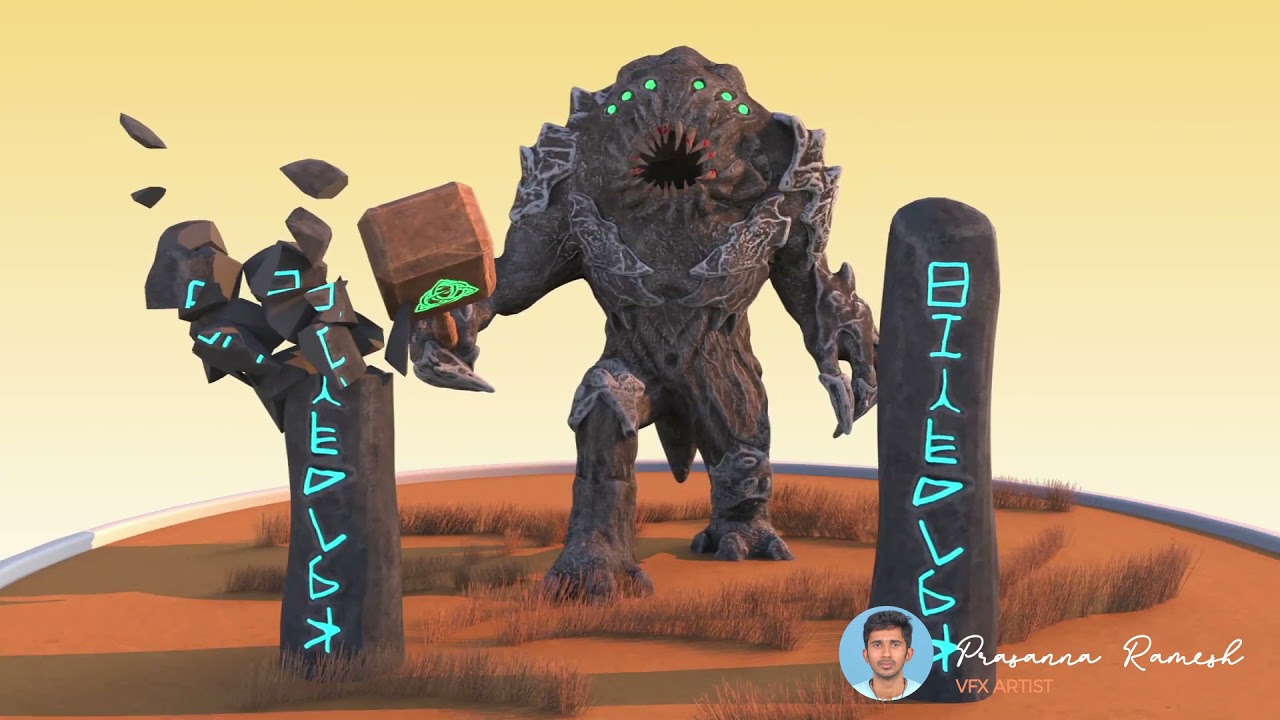
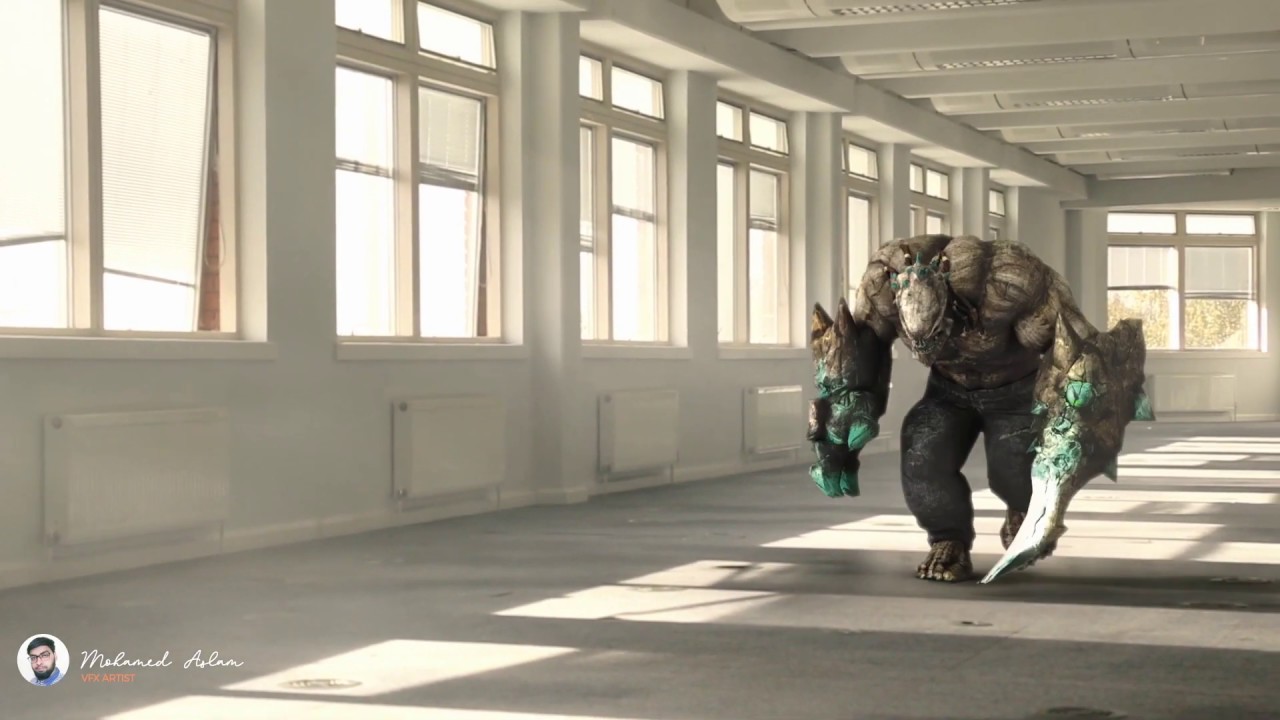
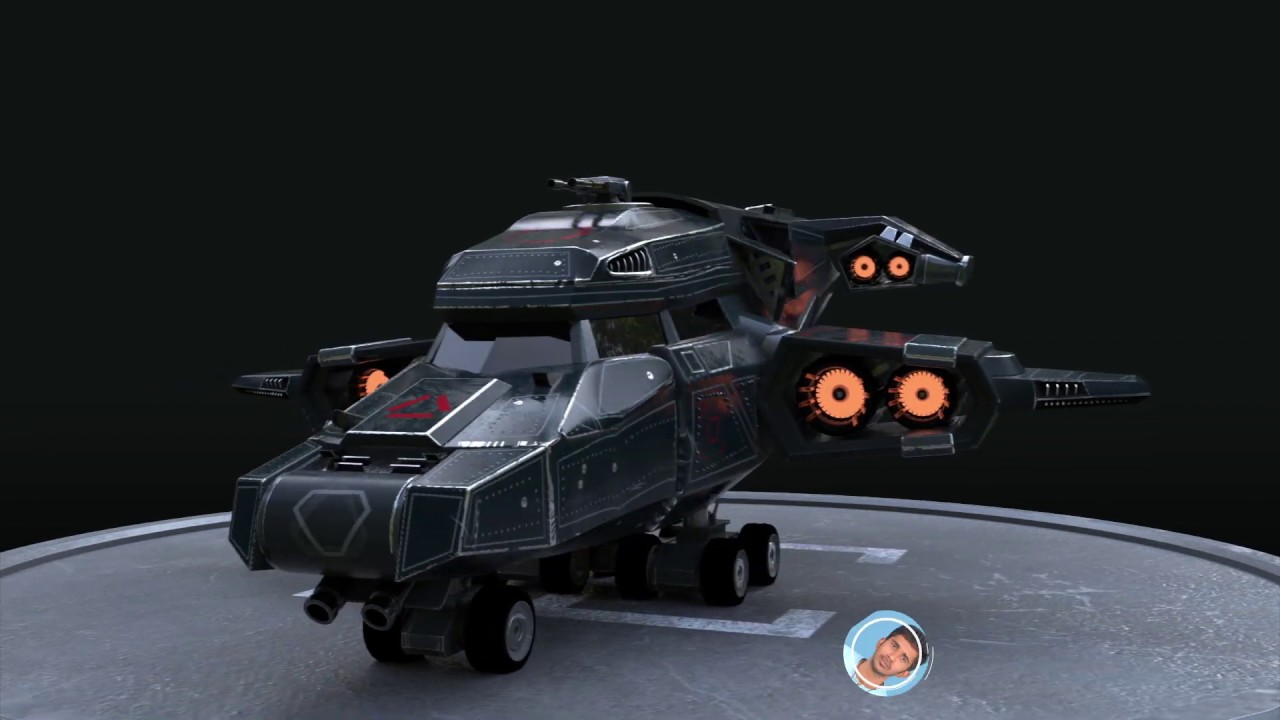
Our Students Works

Step into a world of opportunities – Be part of these exciting projects and so much more

Frequently Asked Questions (FAQ)

Where do we use Final Cut Pro (FCP)?

Final Cut Pro (FCP) is used in various industries and by professionals for high-quality video editing and post-production.
  • Film Production: Used by filmmakers to edit feature films, documentaries, and short films, offering a seamless editing experience with advanced features.

  • Television & Broadcast: Popular in TV studios for editing news segments, episodes, and commercials due to its powerful tools and real-time performance.

  • YouTube & Social Media: Ideal for YouTubers and content creators to produce high-quality videos, vlogs, and social media content with ease.

  • Corporate Videos: Used for editing corporate presentations, product demos, training videos, and promotional content.

  • Advertising: Frequently used to edit commercials, ads, and marketing videos to create professional and engaging content.

  • Music Videos: Widely used by musicians and video directors to edit and finalize music videos with creative effects and precise audio-video sync.

  • Event Videography: Videographers often use FCP to edit wedding videos, event highlights, and other special occasion videos.

  • Post-Production for Animation: Used in animated films and videos for assembling scenes, syncing audio, and applying effects in the final stages.

  • Video Game Trailers: Used to create trailers and promotional videos for video games, combining gameplay footage with cinematic effects.

FCP is a versatile tool that is used across many fields, from entertainment to business, to produce professional-grade video content.

What is an FCP course?

FCP course is a training program designed to teach you how to use Final Cut Pro for video editing. It covers everything from basic editing techniques to more advanced features like color grading, audio mixing, and visual effects.

Who should take an FCP editing course?

Anyone interested in video production, filmmaking, or content creation can benefit from an FCP editing course. Whether you’re a beginner or an experienced editor, these courses help you master Final Cut Pro for high-quality video production.

What will I learn in an FCP class?

In an FCP class, you’ll learn to navigate the Final Cut Pro interface, perform basic and advanced video editing techniques, work with audio, and apply effects, transitions, and color grading to create professional videos.

Is FCP training suitable for beginners?

Yes, FCP training is available for both beginners and advanced users. The course typically starts with the basics of video editing and gradually advances to more complex features, ensuring that learners at all levels can succeed.

What’s the difference between a Final Cut Pro and FCP?

There is no difference between Final Cut Pro and FCP—they refer to the same software. FCP is simply an abbreviation for Final Cut Pro.

Final Cut Pro is a professional video editing software developed by Apple, and it’s commonly referred to as FCP for convenience. Whether you use Final Cut Pro or FCP, you are referring to the same advanced video editing tool used by professionals in film, television, and digital content creation.

Final Cut Pro Class Duration?

The duration of a Final Cut Pro class depends on the selected level. Beginner courses typically last a few weeks, while more advanced programs may span several months. On average, a course can range from 1 month to 5 months in length.

Do I need prior experience to join an FCP editing course

No prior experience with Final Cut Pro is required for most FCP editing courses. These courses are designed to start with the basics and move to advanced topics, making them accessible to both beginners and intermediate editors.

Can I take an FCP class online?

Yes, many institutions offer FCP classes online. These online courses provide flexibility, allowing you to learn at your own pace through video tutorials, live sessions, and interactive exercises.

What are the benefits of FCP training?

FCP training provides you with expert knowledge in video editing and post-production. By mastering Final Cut Pro, you’ll be able to create high-quality videos, improve your editing speed, and apply professional-grade effects, making you more competitive in the media industry

What do I need for a Final Cut Pro course?

To participate in a Final Cut Pro course, you’ll need a Mac computer with the Final Cut Pro software installed.

What career opportunities are available after completing an FCP course?

After completing an FCP course, you can pursue careers such as video editor, post-production specialist, motion graphics designer, content creator, or even freelance video editing. The skills learned in the course open up opportunities in film, television, digital media, and advertising industries.

How much does a Final Cut Pro training program cost?

The cost of Final Cut Pro training varies depending on the course provider and duration. On average, courses range from Rs 10,000 for shorter online classes to over Rs 25,000 for more advanced, in-depth programs.

Are FCP classes taught by industry professionals?

Yes, our fcp classes are led by experienced video editors who bring real-world expertise to the classroom.

What kind of projects will I work on during the fcp course?

During the FCP course, you will work on a variety of projects designed to help you develop your editing skills. These projects may include short films, music videos, advertisements, social media content, and corporate videos. You’ll practice applying different editing techniques, working with audio, color grading, adding transitions, and integrating special effects to produce professional-quality videos.

Will I receive a certificate upon completion of the fcp training?

Yes, upon successful completion, you’ll receive a certificate validating your skills in fcp training

What are the career opportunities after completing your final cut pro course?

Completing our final cut pro course opens doors to careers in film, television, online content creation, and more.

Do you offer hands-on practice in your fcp editing course?

Yes, our FCP editing course offers extensive hands-on practice. You will work on real-world projects, allowing you to apply the techniques you’ve learned in class. This practical approach helps reinforce your skills in video editing, color correction, audio mixing, and applying special effects, ensuring you’re well-prepared for professional editing work.

Can I learn advanced editing techniques in your final cut pro training?

Yes, our final cut pro training covers advanced techniques like color correction, motion graphics, and audio editing.

How will your final Cut Pro Class help me build a professional portfolio?

Our Final Cut Pro Classes are designed to help you build a strong professional portfolio by giving you hands on experience with real world projects.
Throughout the course, you’ll create a variety of videos such as short films, commercials, and social media content that showcase your editing skills, creativity, and understanding of Final Cut Pro.
By the end of the course, you’ll have a polished collection of work that demonstrates your abilities to potential employers or clients.

Enroll Today in Our FCP CourseFor more information about our 3D Animation course or to schedule a free consultation, reach out to us today

Contact us

Please enable JavaScript in your browser to complete this form.
option *
Loading
VFX India

Learn – Design – Create

Address:

4, 5, Inner Ring Rd, Senthil Nagar, Annai Sathya Nagar, Arumbakkam, Chennai, Tamil Nadu 600106

Call: +91-97514 59041, +91-78456 54565

Email: info@vfxindia.in

Offline Courses

  • Graphic Design Course
  • UI / UX Design Course
  • Video Editing Course
  • App Development Course
  • Web Design Course
  • VFX Course
  • Digital Marketing Course

Online Courses

  • Ai Graphic Design Course
  • UI / UX Design Course
  • Video Editing Courses
  • Web Design Course
  • App Development Course
  • Game Design Course
  • Digital Marketing Course

About Us

  • Home
  • About Us
  • Blogs & Articles
  • All Courses
  • Appointment Form
  • Sign In/Registration

Our Policies

  • FAQ's
  • Privacy Policy
  • Terms & Conditions
  • Contact Us
  • Careers

Copyright © VFX | All Rights Reserved

Login
Use Phone Number
Use Email Address
Not a member yet? Register Now
Reset Password
Use Phone Number
Use Email Address
Register
Use Phone Number
Use Email Address
Already a member? Login Now
vfx logoWELCOME To VFX
Sign inSign up

Sign in

Don’t have an account? Sign up
Lost your password?

Sign up

Already have an account? Sign in

WELCOME To VFX

Typically replies within minutes

Hi! Welcome to VFX India 🎬
Thank you for contacting us. Please let us know which course you're interested in. Our team will get back to you shortly with all the details.

WhatsApp Us

🟢 Online | Privacy policy

Enquire Now