



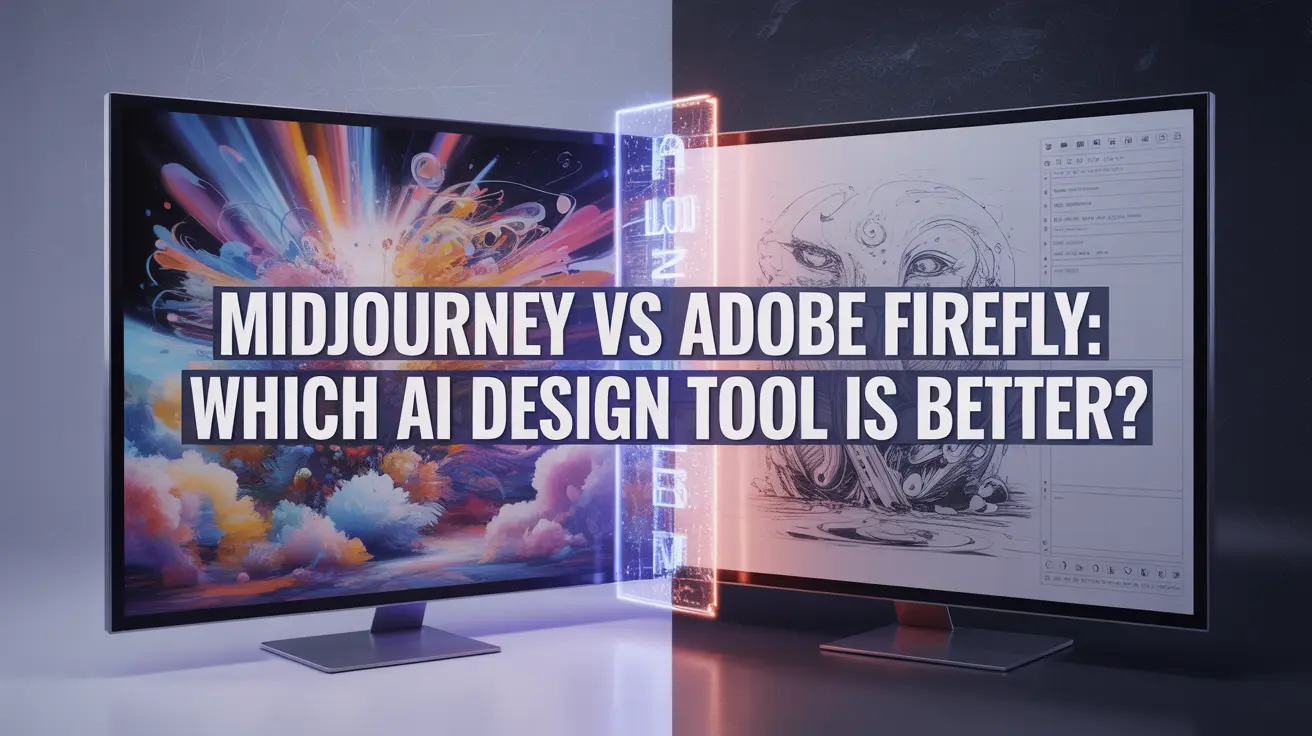
AI Design Tools Comparison for 2025
In 2025, the rise of AI-powered design has transformed the creative workflow for professionals worldwide. Among the top contenders in the AI design tools arena are Midjourney and Adobe Firefly both built to enhance productivity, creativity, and visual storytelling.
This AI design tools comparison evaluates key features, use cases, editing flexibility, pricing, and professional suitability of both tools. Whether you’re looking into Midjourney for graphic design ideation or exploring Adobe Firefly design features for commercial projects, this guide will help you choose the best AI tools for creative professionals.
What Are Midjourney and Adobe Firefly?
1Midjourney
Midjourney is an AI-based image generator known for its artistic, stylized visuals. Designers use it for conceptual illustrations, storytelling, and moodboarding, making it ideal for freelancers, game designers, and visual artists.
2Adobe Firefly
Adobe Firefly, on the other hand, is built with practical design in mind. It seamlessly integrates with Photoshop and Illustrator, offering generative fill, vector generation, and prompt-based visual edits—making it perfect for marketers, brand designers, and content creators.
1. Output Quality & Artistic Style
3Midjourney
Known for its painterly, cinematic, and sometimes surreal outputs.
Excels at fantasy concepts, abstract forms, and complex moods.
Ideal for creative exploration, worldbuilding, and storytelling.
4Adobe Firefly
Delivers cleaner, realistic, and brand-safe results.
Outputs are better suited for marketing visuals, product renders, and commercial use.
Prioritizes precision and editability over abstraction.
5Verdict
🎓 Want to Master This Skill?
Join 10,000+ students at VFX India — Industry-standard training in Chennai with 100% placement.
🚀 Enroll Now💬 WhatsAppMidjourney wins for imaginative, one-of-a-kind artwork.
Adobe Firefly wins for professional, brand-consistent assets.
2. Ease of Use & Accessibility
6Midjourney
Requires using Discord and learning prompt-based generation.
No visual GUI commands must be typed.
Offers less immediate control for newcomers.

7Adobe Firefly
Has a web-based visual interface that’s beginner-friendly.
Natively integrates with Creative Cloud apps.
Designed with UI/UX that favors existing Adobe users.
8Winner
Adobe Firefly especially for those who value ease, familiarity, and seamless workflows.
3. AI Tools for Creative Professionals: Which to Choose?
| Feature | Midjourney | Adobe Firefly |
|---|---|---|
| Artistic Style | Highly creative & abstract | Clean & brand-safe |
| Use Case | Conceptual visuals | Professional marketing content |
| Editing | Limited (flat images) | Fully editable (layers, vectors) |
| Platform | Discord | Web + Creative Cloud apps |
| Learning Curve | Medium to High | Beginner-friendly |
| Ideal For | Designers, illustrators, storytellers | Agencies, freelancers, marketers |
4. Editing & Workflow Integration
9Midjourney
Outputs are flat images no layers, masks, or vectors.
Requires external tools for editing.
No direct integration with creative software.

10Adobe Firefly
Generates assets with editable layers and components.
Fully integrated with Photoshop, Illustrator, and Express.
Enables quick AI-assisted retouching and generative fill.
11Winner
Adobe Firefly ideal for integrated, non-destructive editing workflows.
5. Pricing & Plans in 2025
12Midjourney
Basic Plan: $10/month
Standard Plan: $30/month
Pro Plan: $60/month
No free tier; Discord usage only.
13Adobe Firefly
Free tier available (limited usage).
Included with Adobe Creative Cloud subscriptions.
Premium features accessed via Photoshop, Illustrator, or the Firefly web app.
14Verdict
If you already use Adobe Creative Cloud, Firefly offers more value especially with the added bonus of editing features.
6. Control & Customization
15Midjourney
Supports detailed prompt customization (
--v,--ar, seeds, etc.).Allows fine-tuning through versioning and aspect ratios.
Highly responsive to complex artistic directions.

16Adobe Firefly
Offers a more simplified prompt system.
Relies on post-editing in Photoshop/Illustrator for customization.
Better suited for fast, brand-compliant generation than raw experimentation.
17Winner
Midjourney for creative freedom and prompt depth.
7. Ethics & AI Transparency
18Midjourney
Trained on licensed Adobe Stock, public domain, and copyright-safe data.
Prioritizes ethical and commercial-safe outputs.
Suitable for corporate and branding projects.

19Adobe Firefly
Training data sources are less transparent.
May raise concerns in enterprise settings or for commercial clients.
20Verdict
Choose Firefly for legally sound, client-safe content.
7.Graphic Design
21Midjourney
Best for: Concept art, fantasy illustration, moodboards, posters, and creative prompts
Strengths:
Advanced prompt customization
Unique, stylized outputs
Ideal for personal projects and creative exploration
Drawbacks:
Not editable
Limited integration with mainstream tools
22Adobe Firefly
Best for: Branded content, social media creatives, marketing visuals, and editable design assets
Strengths:
Fully integrated with Creative Cloud
Commercial-safe outputs
Generative fill, vector art, and text effects
Drawbacks:
Less stylistic variety
Primarily geared toward Adobe users
Ready to Master Both?
Join our Online Graphic Design Course and learn how to:
Use Midjourney for high-impact concept visuals
Master Adobe Firefly for brand-safe, editable design
Build projects in Photoshop, Illustrator, Figma, and Canva
Work on real-world briefs with AI integration
Learn prompt engineering and portfolio presentation
Which AI Design Tool Should You Use?
When comparing Midjourney for Graphic Design, the right choice depends on your creative needs and project goals. Both are powerful AI design tools, but serve different purposes.
Use Midjourney for graphic design when your work demands artistic freedom, concept generation, and bold visual storytelling. It’s ideal for creative professionals who thrive on experimentation and visual imagination.
In contrast, Adobe Firefly stands out for its design features tailored to branding, commercial safety, and seamless workflow integration with Photoshop, Illustrator, and Adobe Express. It’s the go-to for freelancers, marketers, and content creators working with clients and deadlines.
23AI Tools Comparison Summary:
Midjourney: Best for ideation, moodboarding, stylized outputs, and prompt-driven creativity
Adobe Firefly: Best for commercial design, editable content, and creative professionals who need efficiency and consistency
conclusion:
the battle of Midjourney vs Adobe Firefly highlights how AI is revolutionizing the creative process. Both tools offer unique strengths Midjourney for graphic design excels in generating imaginative, stylized visuals, while Adobe Firefly design features are deeply integrated into Adobe’s ecosystem, making it ideal for polished, editable content. This AI design tools comparison shows that the best choice depends on your workflow and creative goals. As AI tools for creative professionals continue to evolve, embracing the right tool can enhance productivity, unlock new possibilities, and redefine what’s creatively possible in 2025 and beyond.
FAQ
The key difference in the Midjourney vs Adobe Firefly debate lies in their core strengths. Midjourney excels in creating high-quality, artistic AI-generated images from text prompts, while Adobe Firefly is more integrated into creative workflows with tools for generative fill, vector graphics, and text effects.
If you're looking at Midjourney for graphic design, it's ideal for mood boards, concept art, and creative exploration. Adobe Firefly, on the other hand, shines when you need editable assets, making it a better fit for production-ready design workflows.
In this AI design tools comparison, Adobe Firefly stands out for its integration with Adobe Creative Cloud and licensed content. Midjourney is more focused on artistic expression but lacks native editing capabilities.
Yes! Both are powerful AI tools for creative professionals. Midjourney is great for experimentation and rapid visual ideation. Adobe Firefly supports more practical design tasks like content-aware fill, brand-safe asset generation, and vector-based creativity.
Adobe Firefly design features include generative fill, text-to-vector, stylized text effects, and seamless integration with Photoshop and Illustrator—ideal for professional, brand-consistent design.
Yes! Many creative professionals use Midjourney for graphic design ideation and concept generation, then switch to Adobe Firefly or Adobe Creative Cloud tools for refinement and final production. This hybrid workflow combines the best of both AI tools.
In the AI design tools comparison, Midjourney offers deep customization through prompt crafting but lacks fine editing. Adobe Firefly allows more design-level control, especially for editable vectors, layers, and brand-safe content.
Absolutely. Adobe Firefly design features are perfect for creating on-brand assets like logos, social media templates, and marketing visuals. It’s also trained on Adobe Stock, ensuring copyright-safe outputs.
While Midjourney for graphic design is powerful for inspiration and unique visuals, it doesn't support layers, text editing, or vector output. It's best used for early-stage creative exploration rather than final deliverables.
Adobe Firefly is more user-friendly, especially for designers already familiar with Photoshop and Illustrator. Midjourney has a learning curve, particularly with prompt engineering, but offers great creative freedom.
- February 21, 2026
- Com 0
Kotlin vs Java in 2026 — Which Language Should You Learn for Android Development?
Want Professional Feedback?
These projects are ideal for personal growth, but they become truly powerful with expert critique, mentorship, and structured learning. That’s where a professional course makes the difference.
✅ Inside our  Online Graphic Design Course or Offline Graphic Design Course, you’ll:
Get feedback from real designers
Build industry-level projects
Learn tools like Photoshop, Illustrator, Figma, Firefly, and more
Learn how to package your projects into a real portfolio
– Turn your creativity into a career that’s future-proof.

Master VFX, Design & AI in Chennai
Industry-standard training with 100% job placement. Start your creative career today!
🚀 Enroll Now💬 WhatsApp Us📂 Categories
Graphic Design (49)VFX (21)Action CGI (11)Visual Effects (10)Live Action (9)Typography (9)chroma key (6)Green Screen Keying (6)Stereoscopic 3D (5)Digital Marketing (5)Visual Effects (5)SEO (5)Camera Tracking (4)3D Movie (3)AI Graphic Design (2)app Development (2)UI UX (2)Match moving (1)Web Development (1)Film Editing (1)🎯 Related Courses
📚AI Graphic Design Course in Chennai📰 Recent Posts